

Size Guide images
Size Guide
Price:
€29.00
- New
Lifetime licence and updates
Pay once, download every new version for free. 1 year of technical support
Help with installation, configuration and bugs. Open code, no DRM
Readable source code, no licence keys. Adapt it to your shop. AI-assisted security audit
Module code is audited for common vulnerabilities. One licence, one shop
Any number of shops in multistore mode. 30 days to return
No questions asked, full refund.
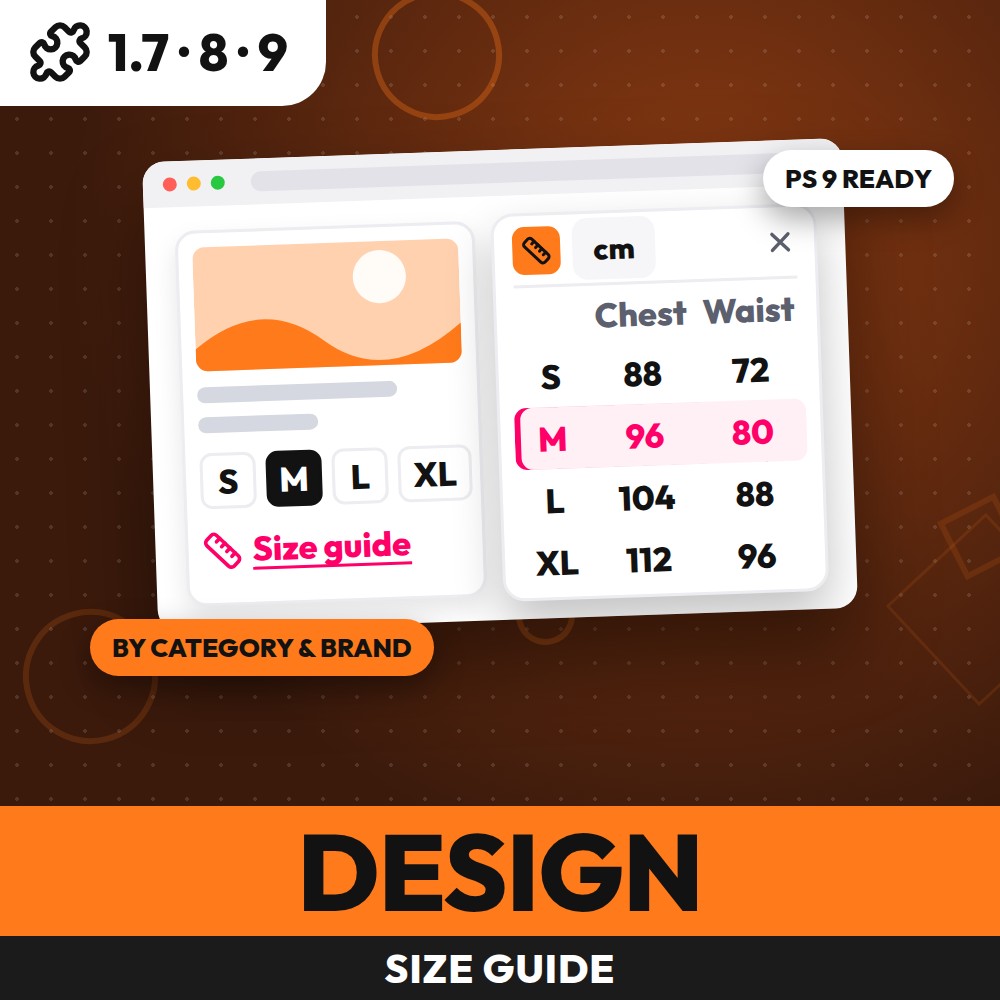
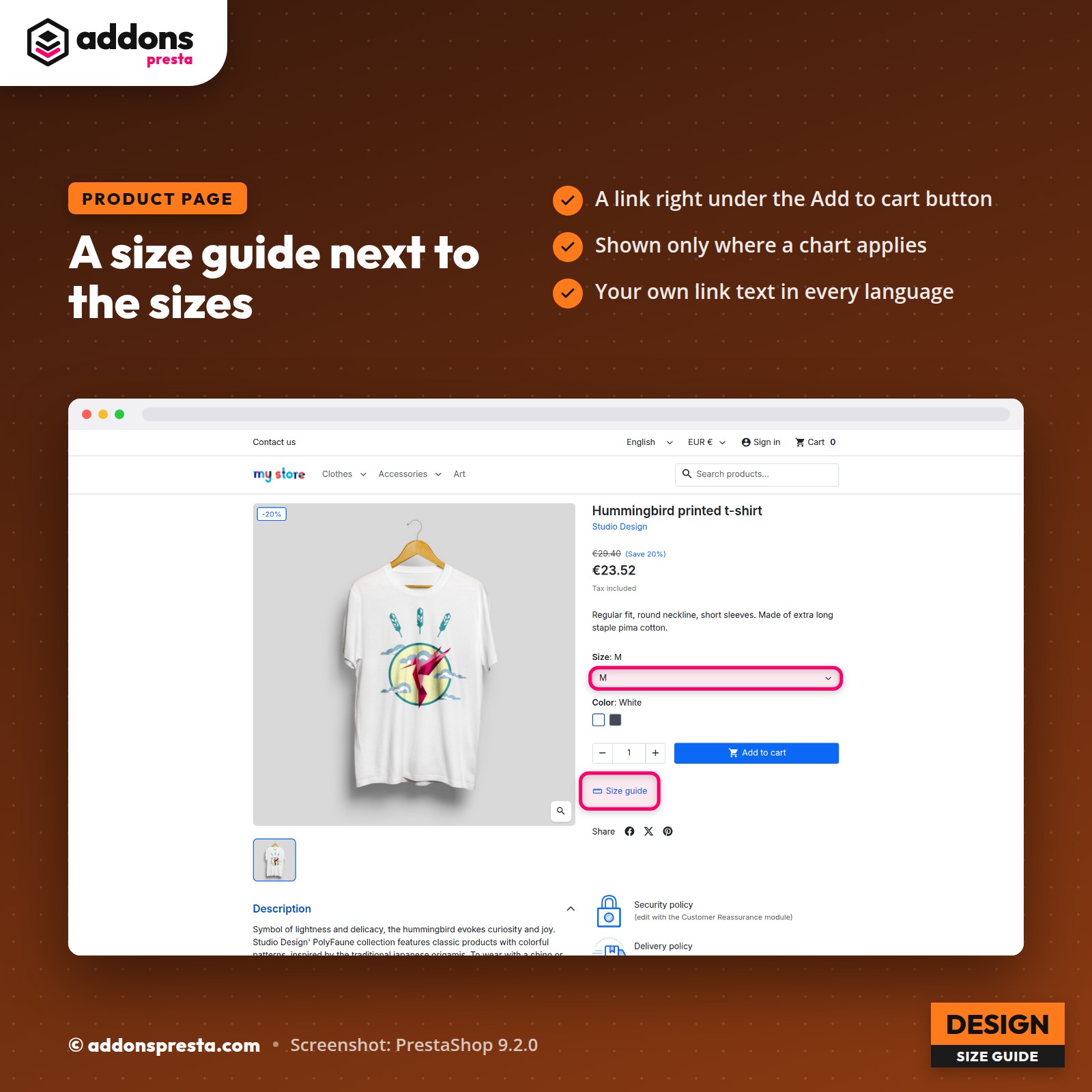
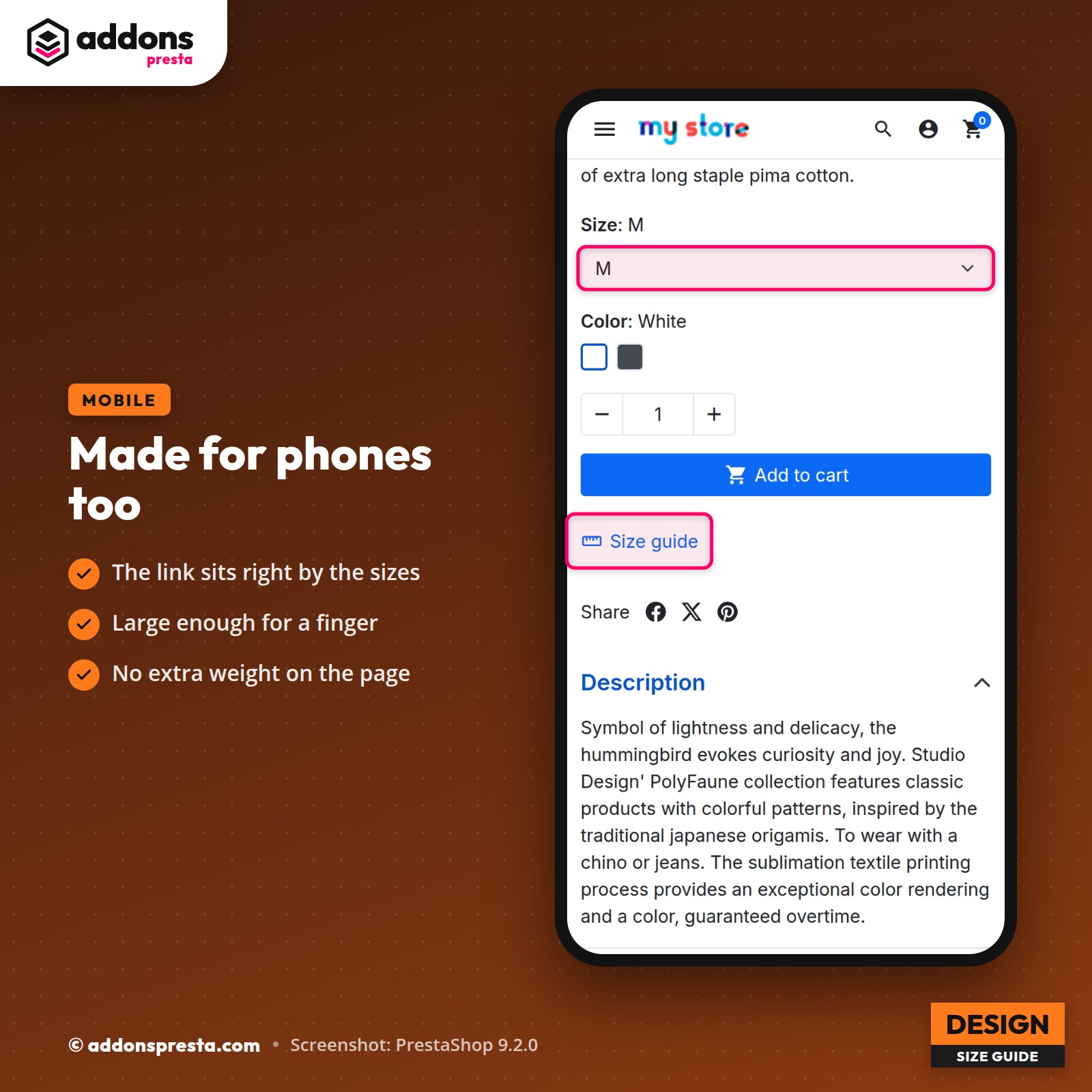
Size Guide is a PrestaShop size chart module that shows the right size guide next to the size selector of your PrestaShop shop. You write size charts in the editor and assign them to categories, brands or products; customers open the chart from a Size guide link on the product page and in quick view, or in a product tab, also on phones.
Size Guide features
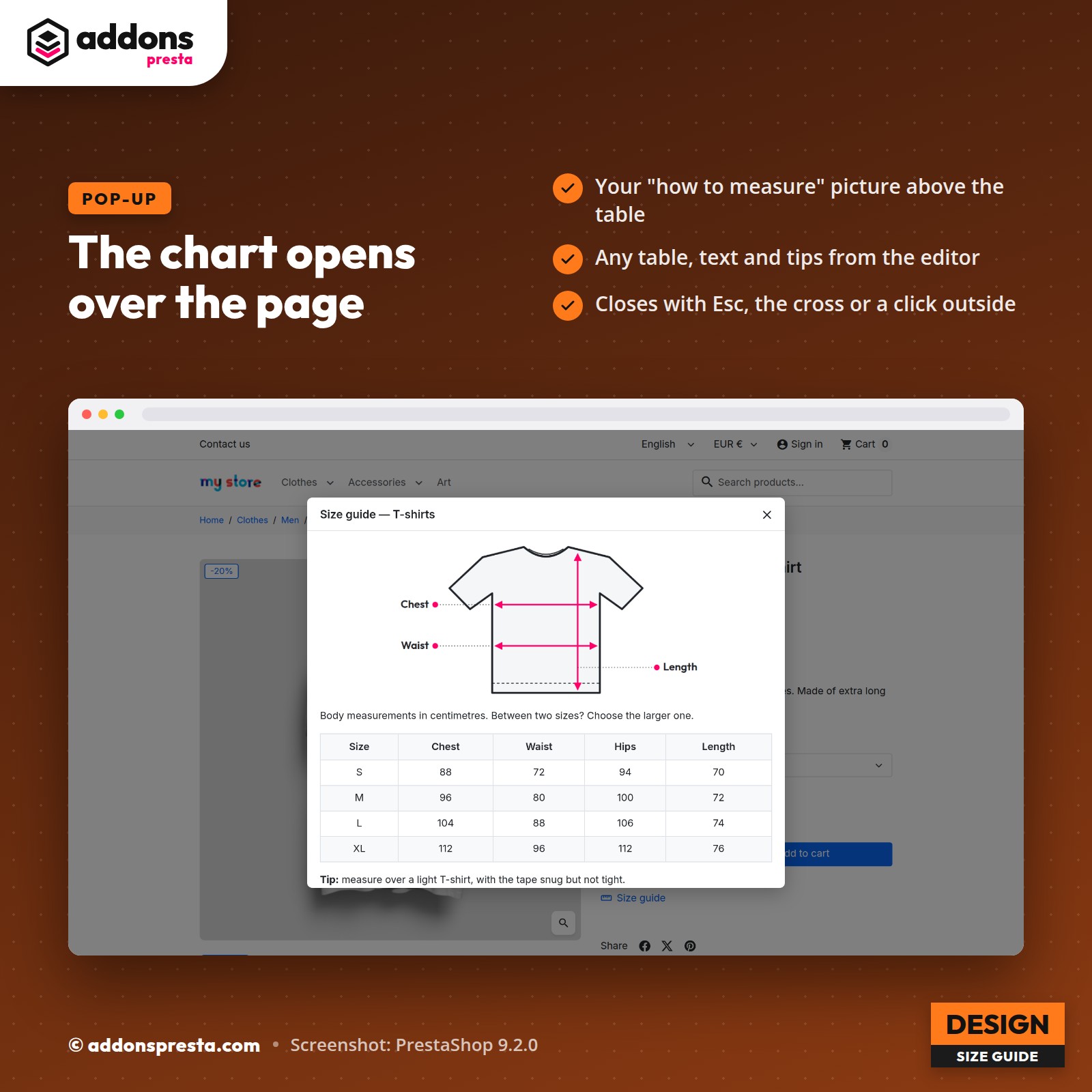
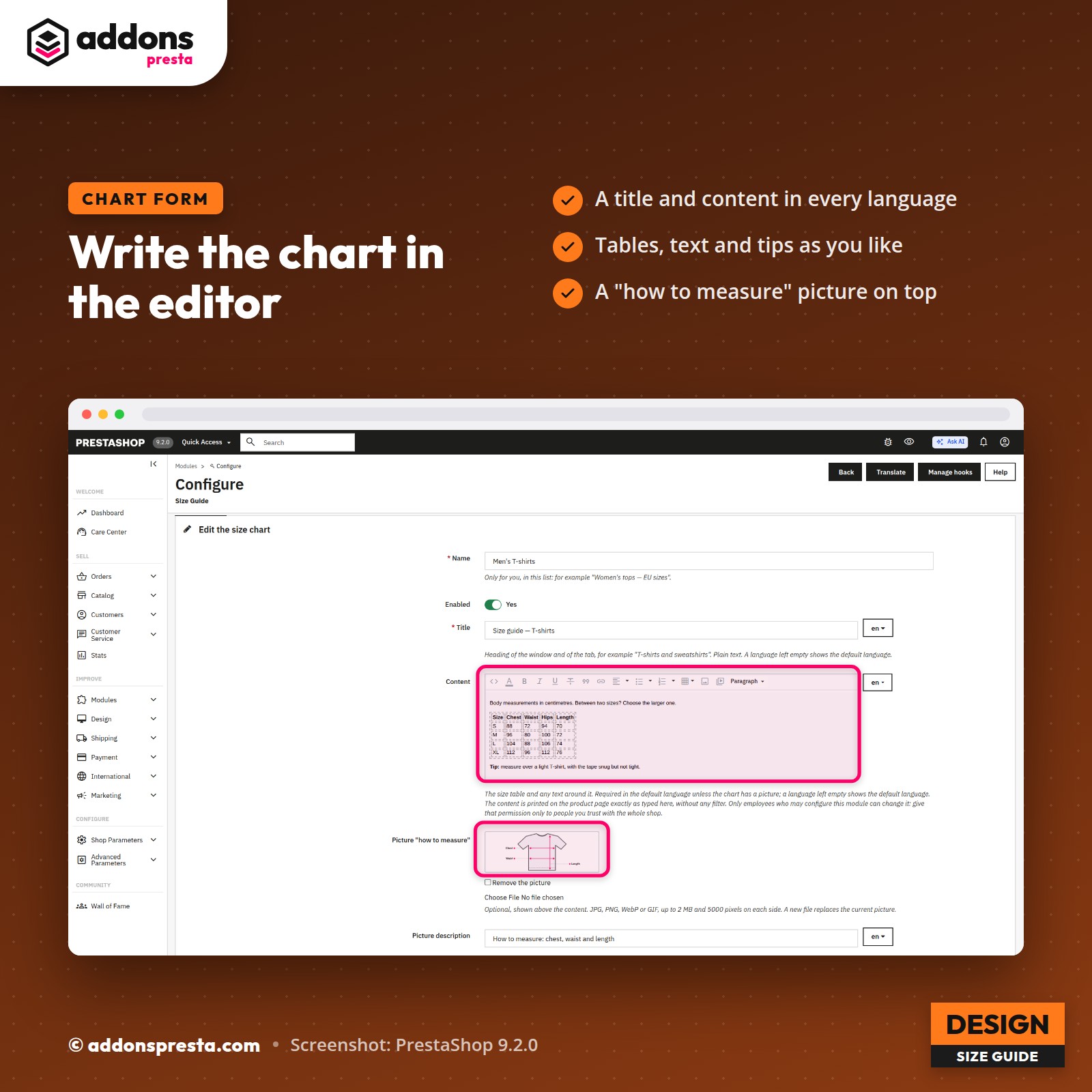
- Size charts with a title and content in every language, written in PrestaShop's editor: size tables, text and any HTML, with an example chart to start from
- An optional "how to measure" picture per chart (JPG, PNG, WebP or GIF), shown above the table with a description for screen readers and stored without photo metadata
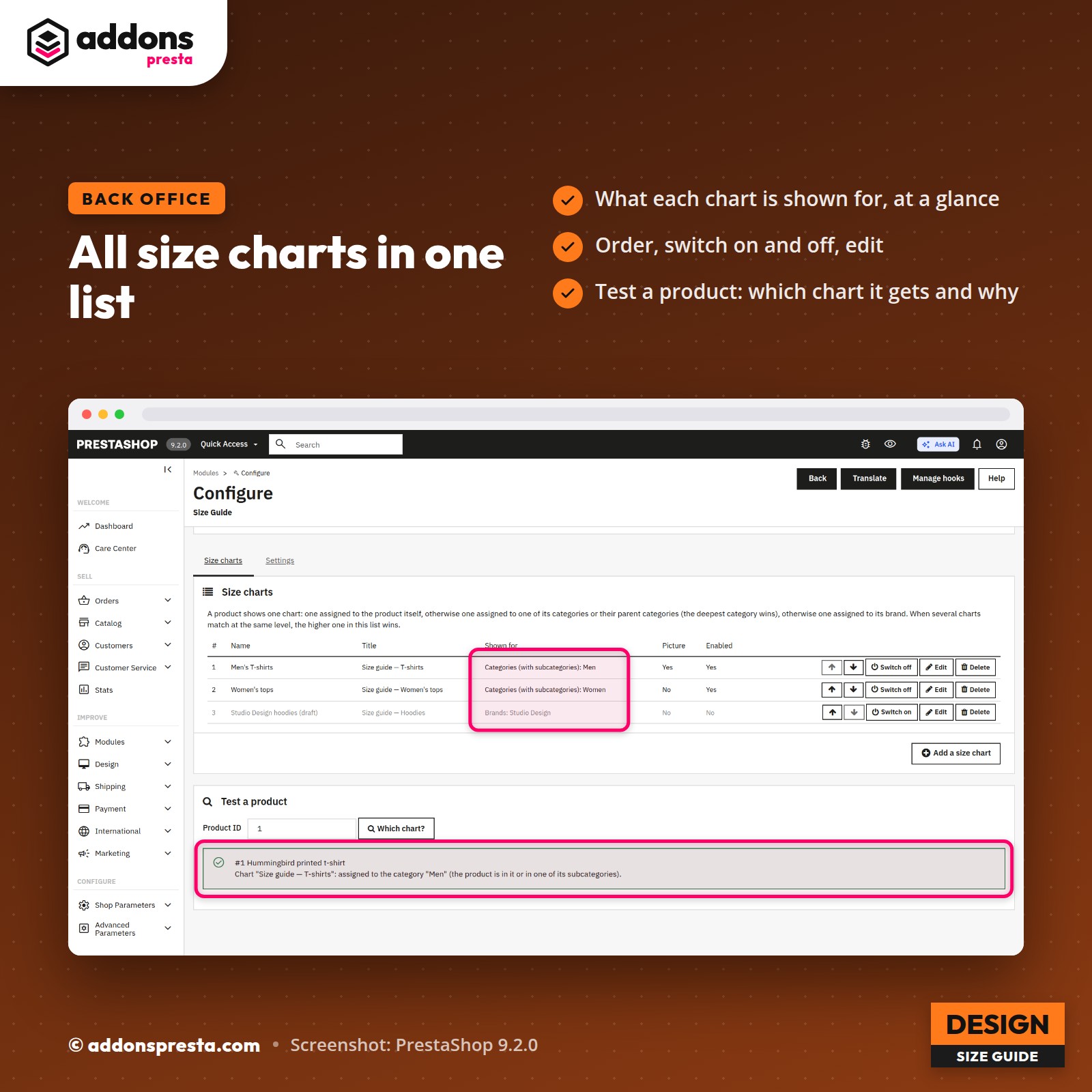
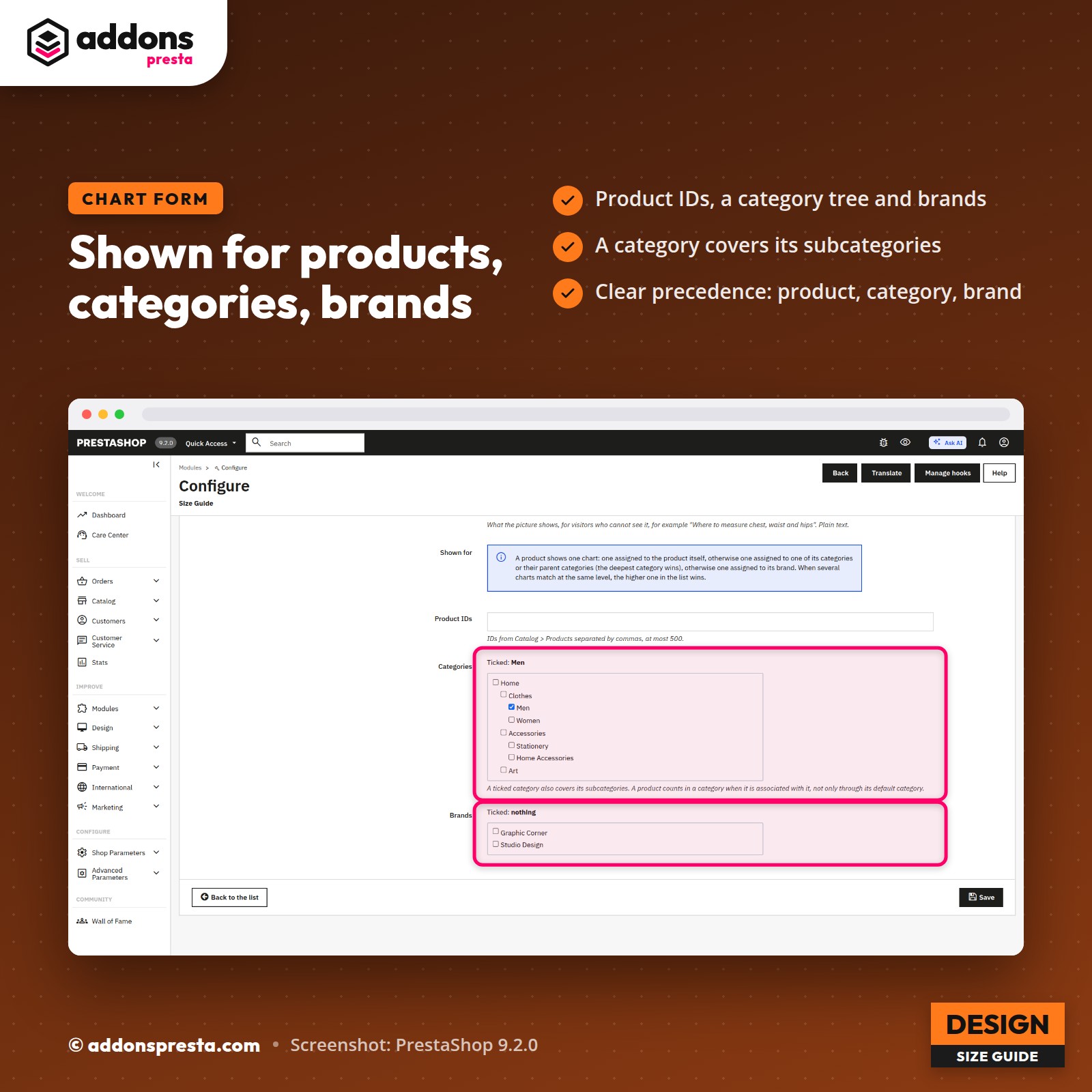
- Assigned to products, to categories with all their subcategories and to brands; one chart per product, with a clear order: product, then the deepest category, then the brand
- "Test a product" in the Back Office tells which chart a product shows and why
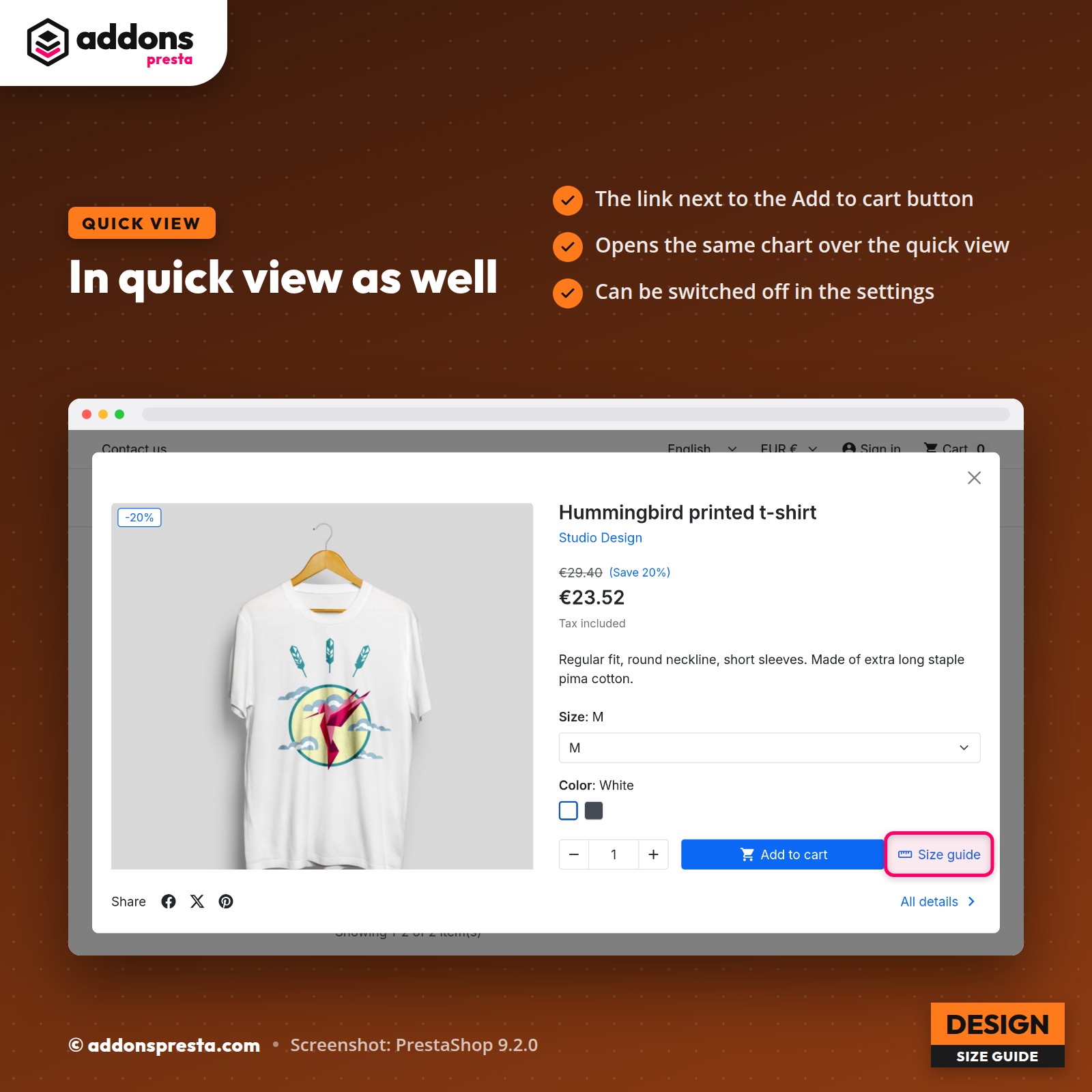
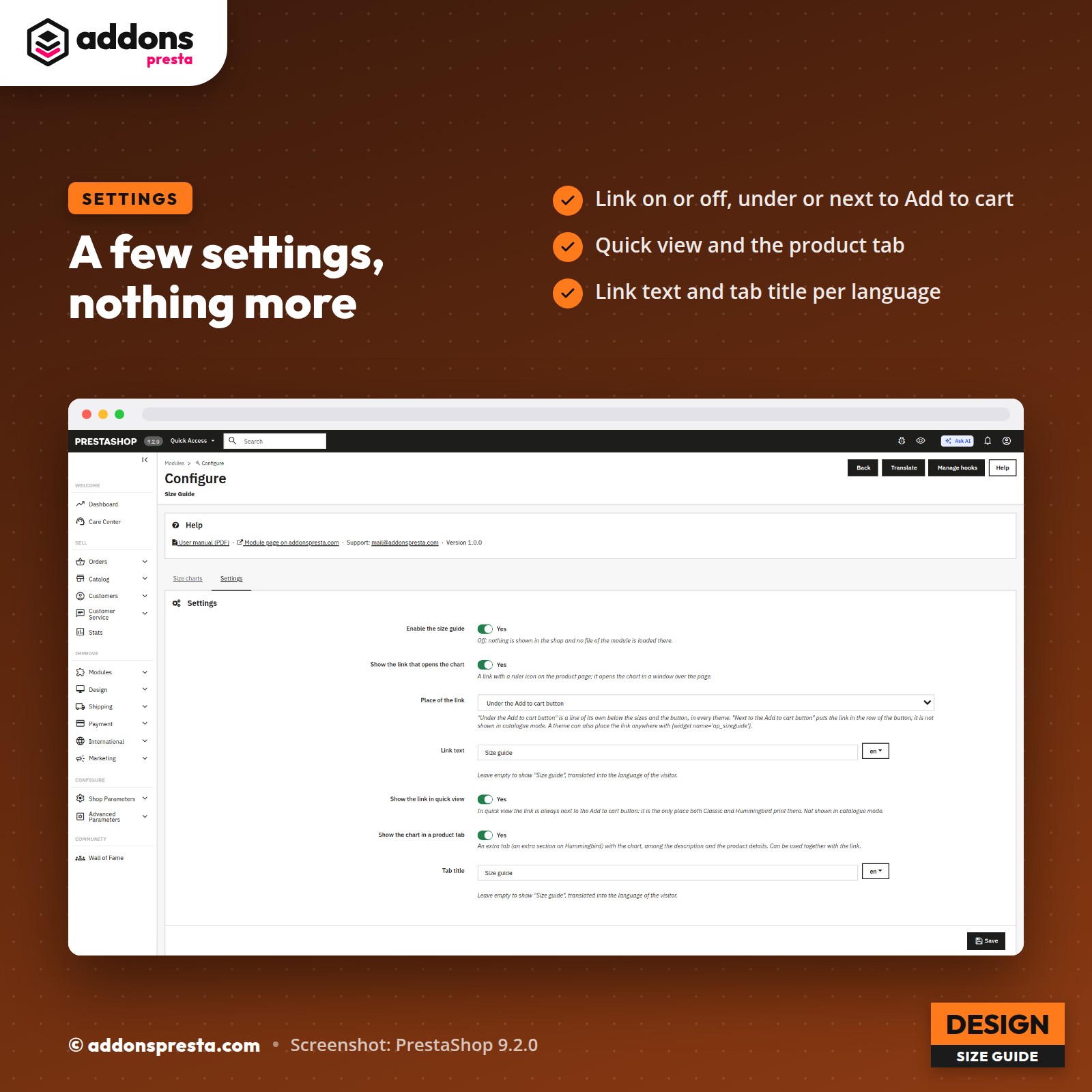
- A "Size guide" link with a ruler icon under or next to the Add to cart button, with your own link text in every language
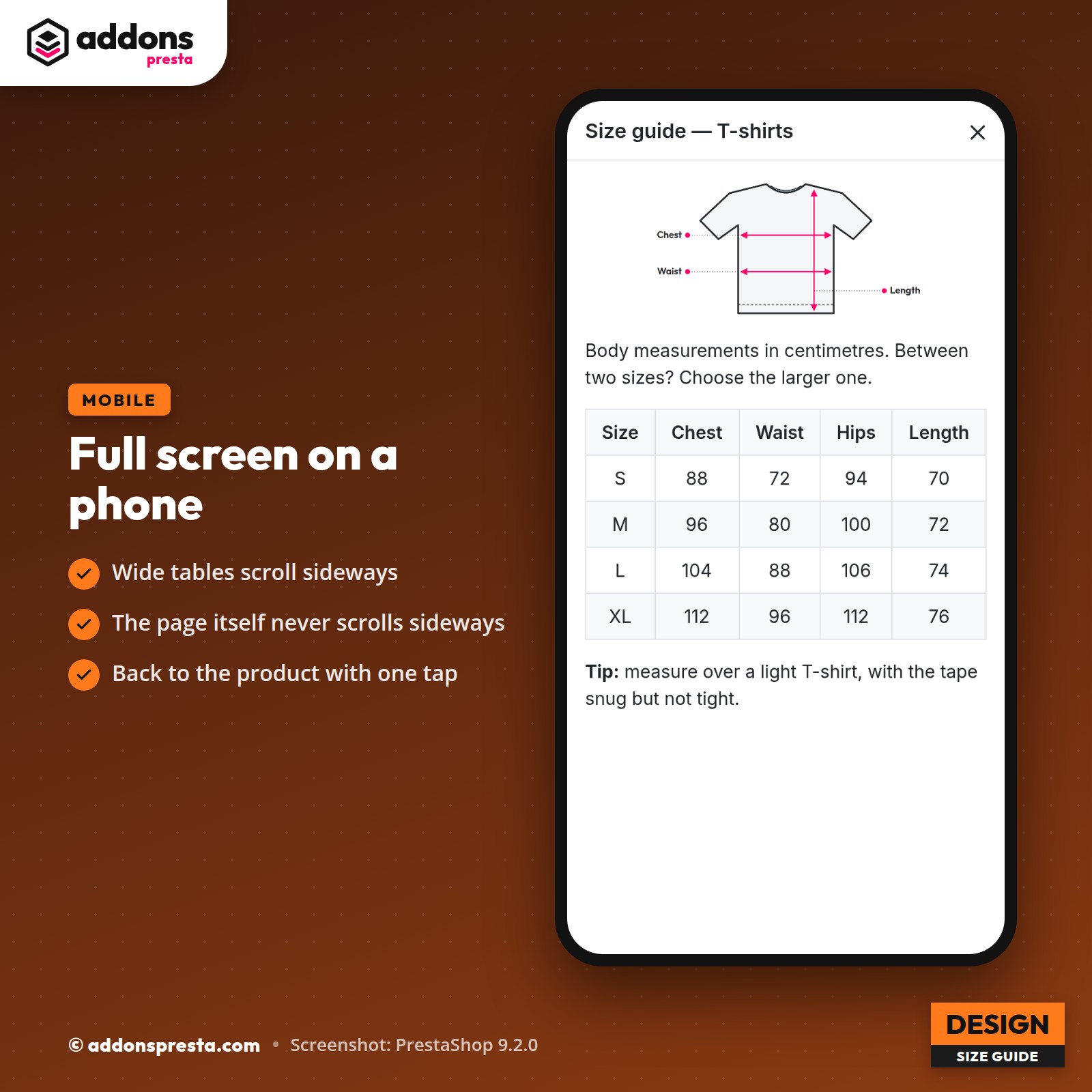
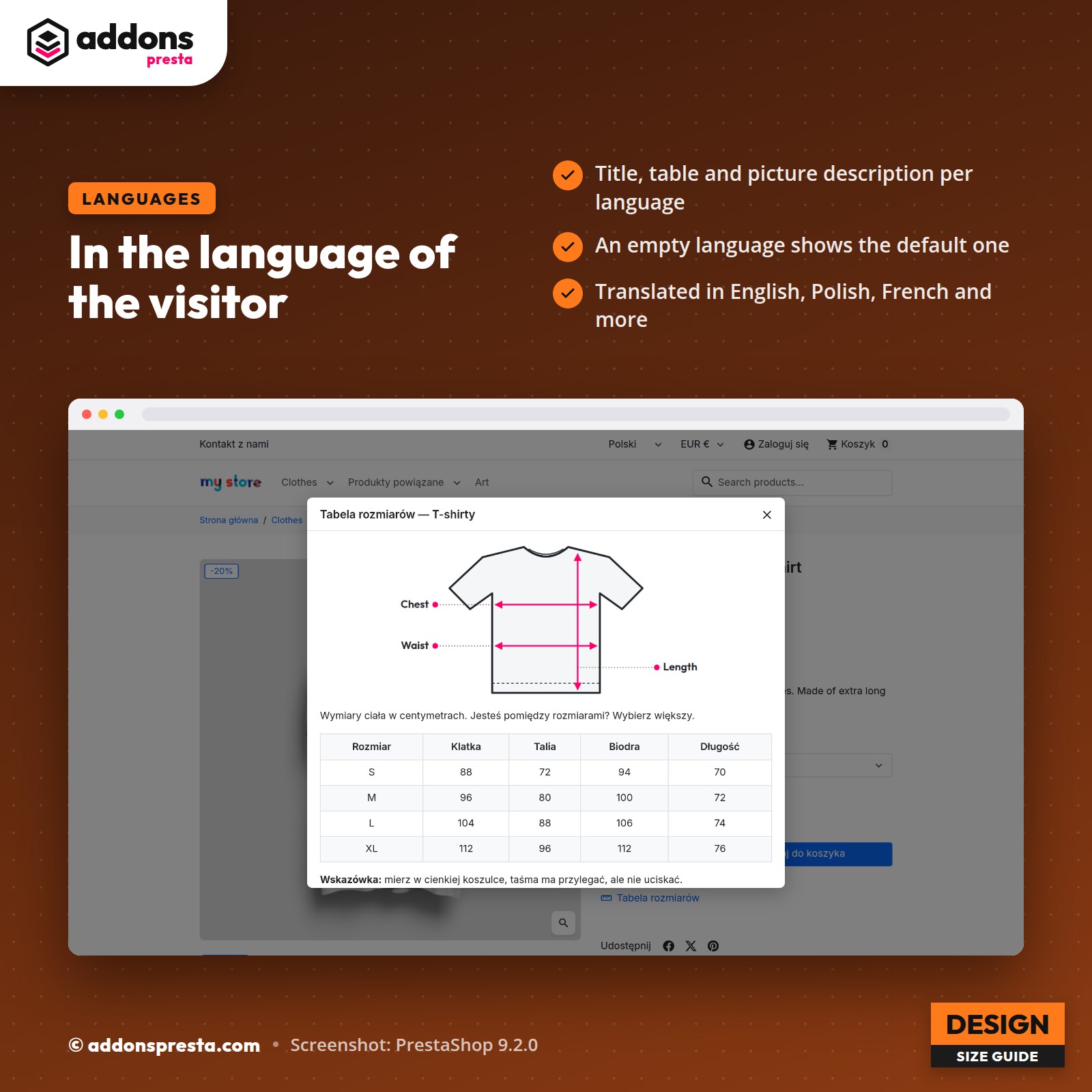
- The chart opens in an accessible pop-up over the page: keyboard, Escape key, close button or a click outside; full screen on phones
- Wide tables scroll sideways on phones, with neat default table styles that your theme can override
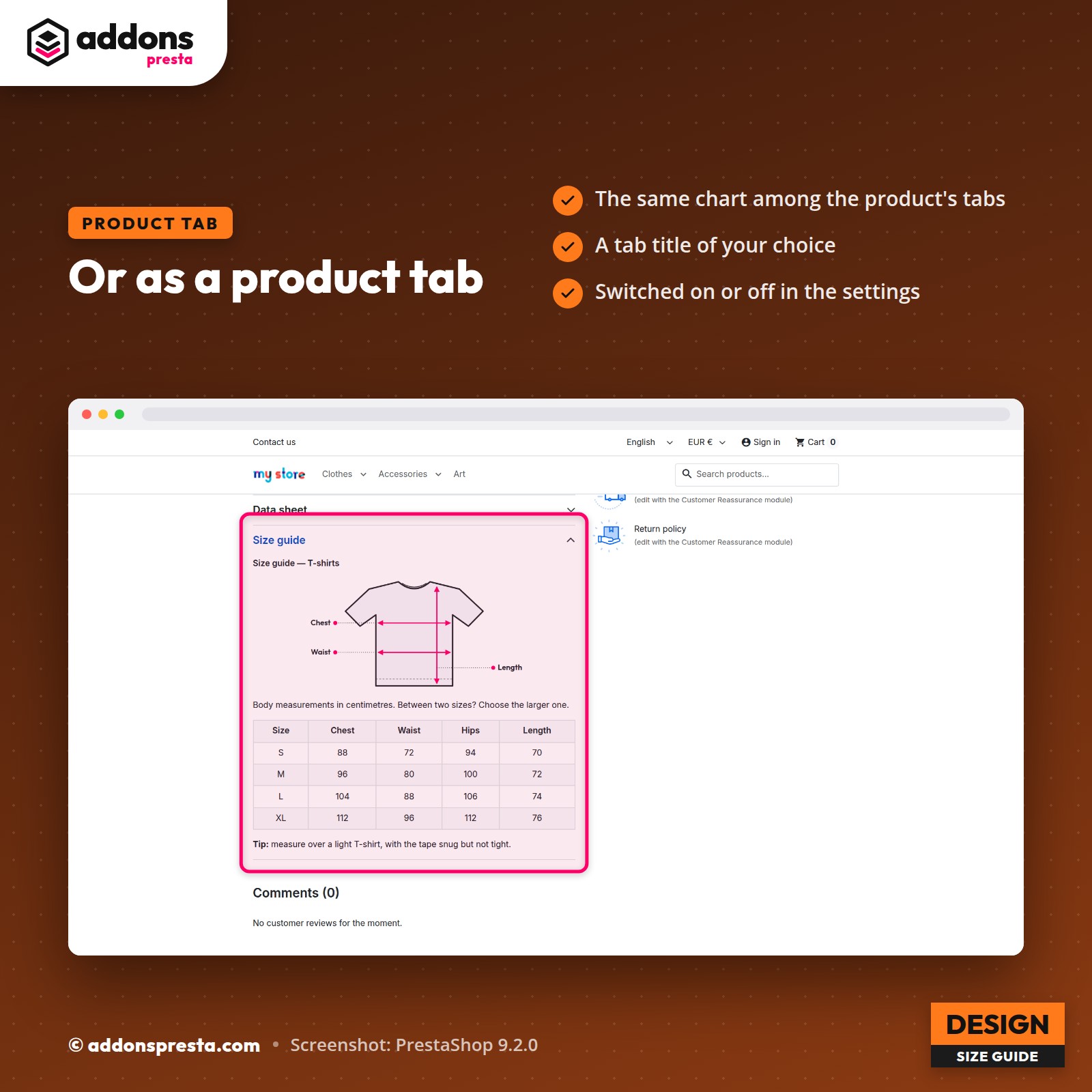
- Optional product tab with the chart: tabs in Classic, an accordion section in Hummingbird
- Works in quick view and after a combination change; nothing is loaded on shops without a chart
- Classic and Hummingbird themes, a widget for other themes, overridable templates, CSS classes and a hook for developers
- Separate charts and settings for each shop in multistore
Specifications
-
PrestaShop versions1.7.8, 8.x, 9.x
-
Minimum PHP version7.2.5
-
Module version1.0.0
-
Latest release26/11/2026
-
Languagesde, en, es, fr, it, pl


Comments (0)
Your review appreciation cannot be sent
Report comment
Report sent
Your report cannot be sent