

Auto Lazy Load images

Auto Lazy Load
Regular price:
€39.00
Price:
€19.50
- 50% Off
- New
Lifetime licence and updates
Pay once, download every new version for free. 1 year of technical support
Help with installation, configuration and bugs. Open code, no DRM
Readable source code, no licence keys. Adapt it to your shop. AI-assisted security audit
Module code is audited for common vulnerabilities. One licence, one shop
Any number of shops in multistore mode. 30 days to return
No questions asked, full refund.
Pay once, download every new version for free. 1 year of technical support
Help with installation, configuration and bugs. Open code, no DRM
Readable source code, no licence keys. Adapt it to your shop. AI-assisted security audit
Module code is audited for common vulnerabilities. One licence, one shop
Any number of shops in multistore mode. 30 days to return
No questions asked, full refund.
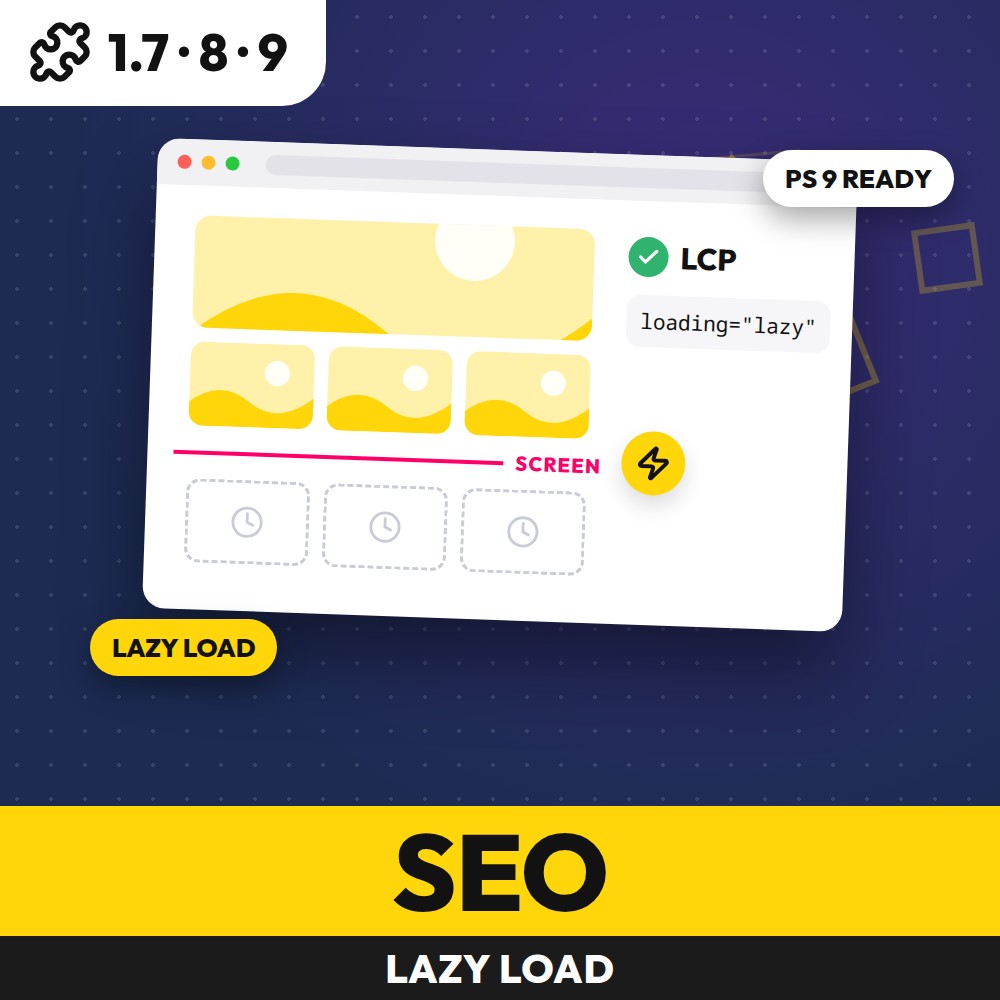
Auto Lazy Load adds lazy loading to the images of your PrestaShop shop without editing the theme: product lists, module blocks, banners, product descriptions, CMS pages and iframes. It works on the HTML your templates print, without editing a file, and it keeps the first images of every page loading at once — the fix for the PageSpeed warning "Largest Contentful Paint image was lazily loaded". Choose native loading="lazy" without JavaScript, or a lazy load script with placeholders and a fade.
Auto Lazy Load features
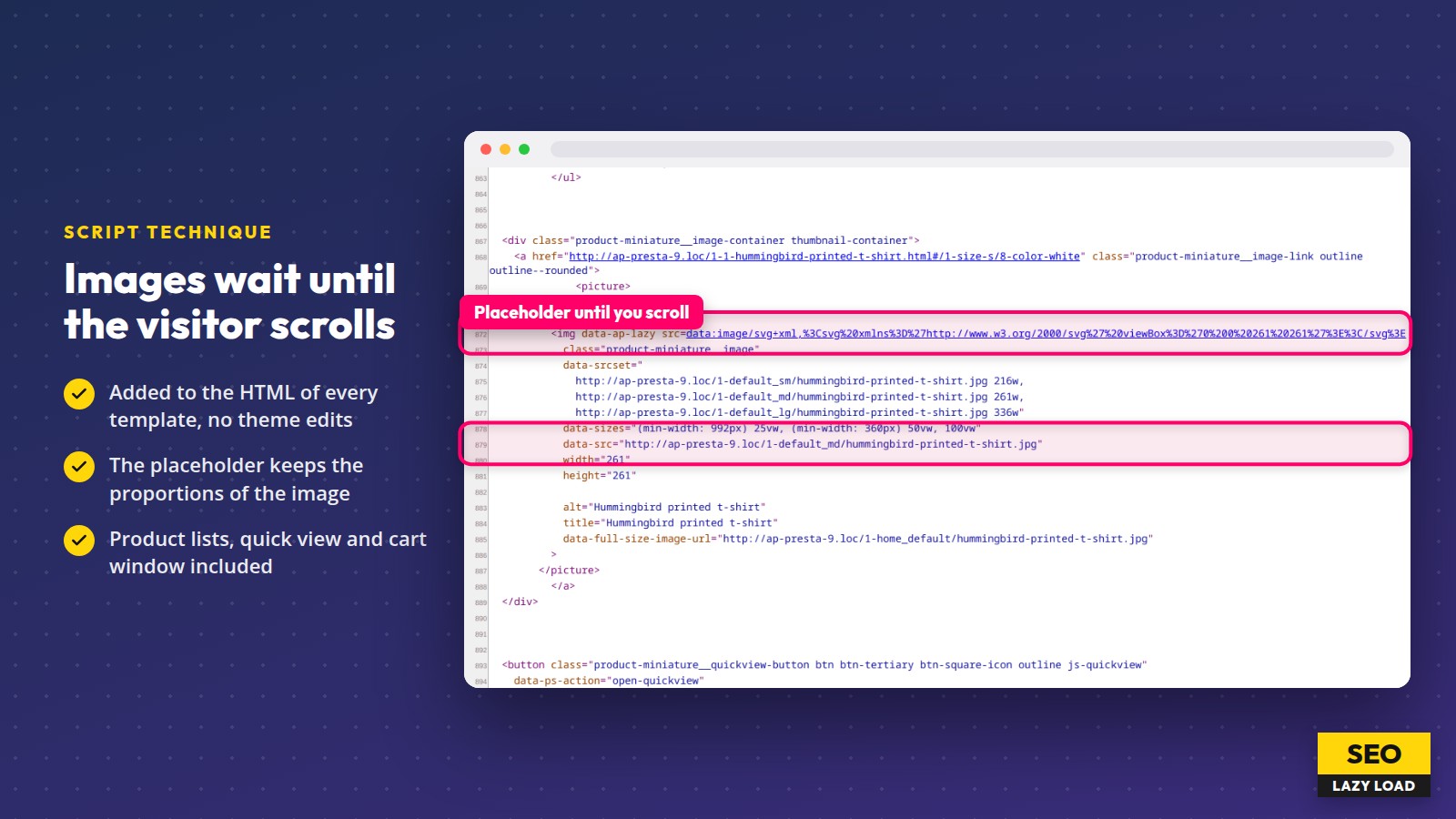
- Lazy loading added to the images of theme and module templates automatically, also in the product list after filtering, the quick view and the cart window
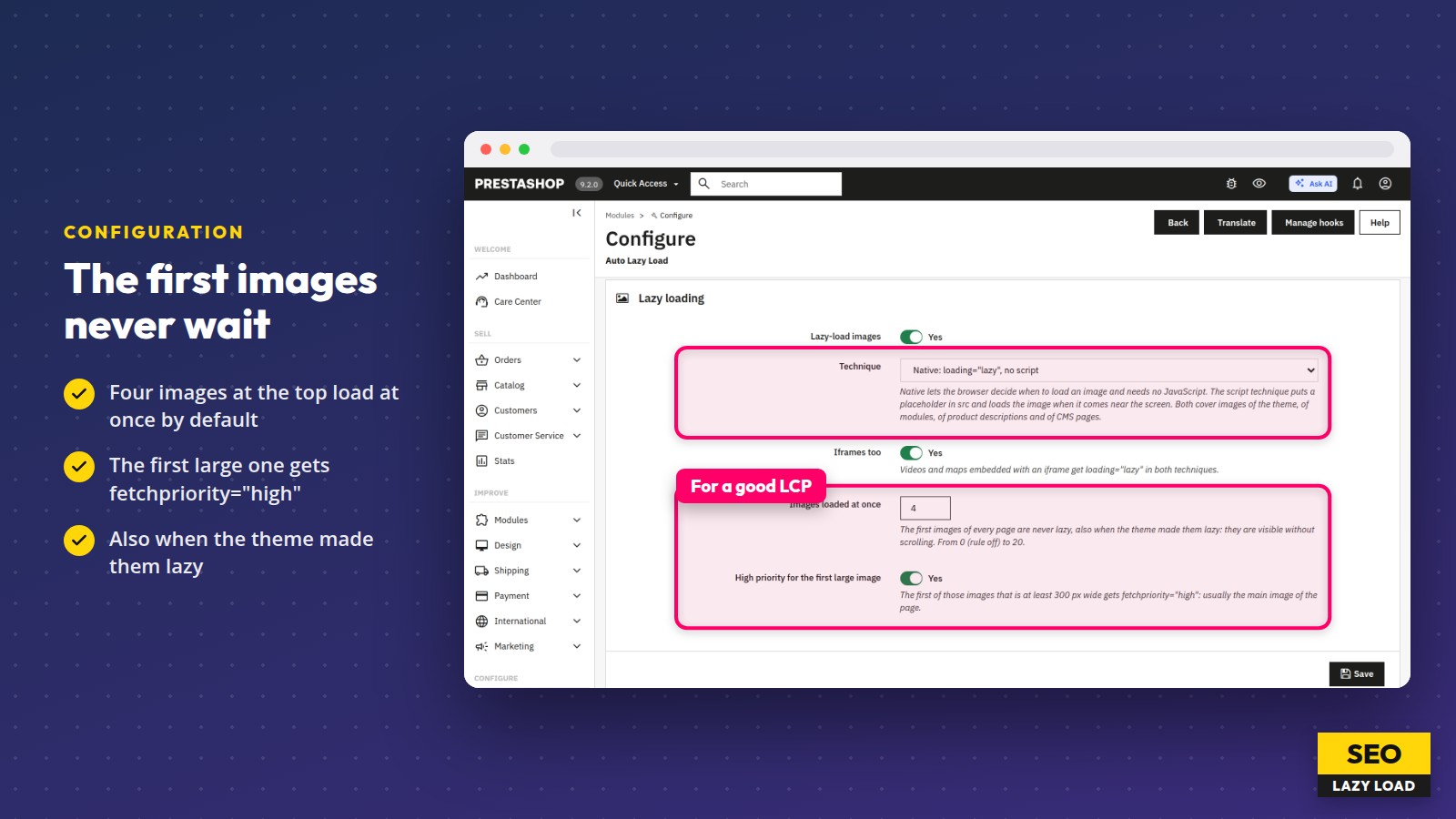
- Two techniques: native loading="lazy" without JavaScript, or a small script with placeholders that keep the proportions of the image
- The first images of every page load at once, also when the theme made them lazy; the first large one gets fetchpriority="high" for a better LCP
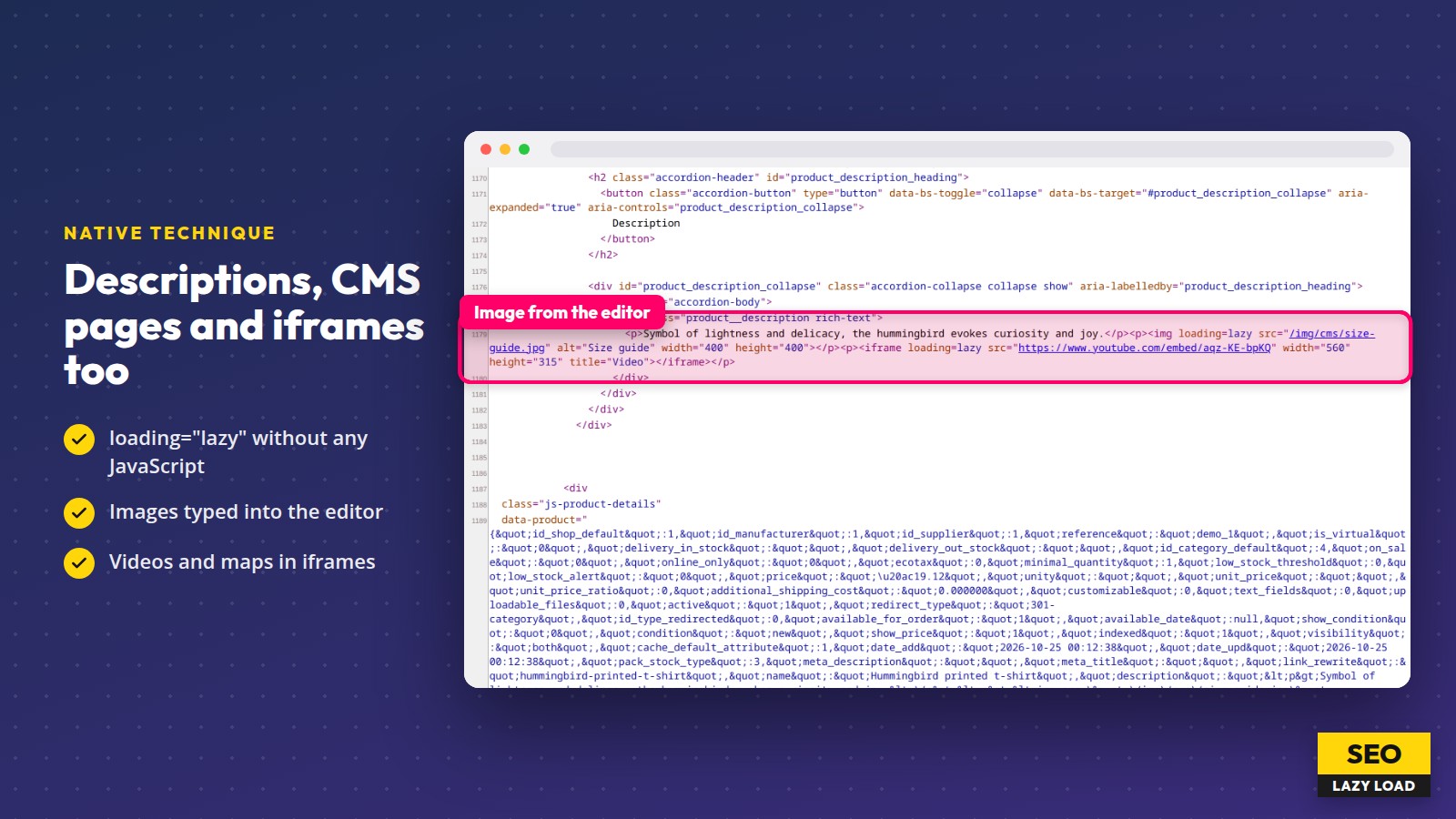
- Images typed into product descriptions and CMS pages, and iframes with videos and maps
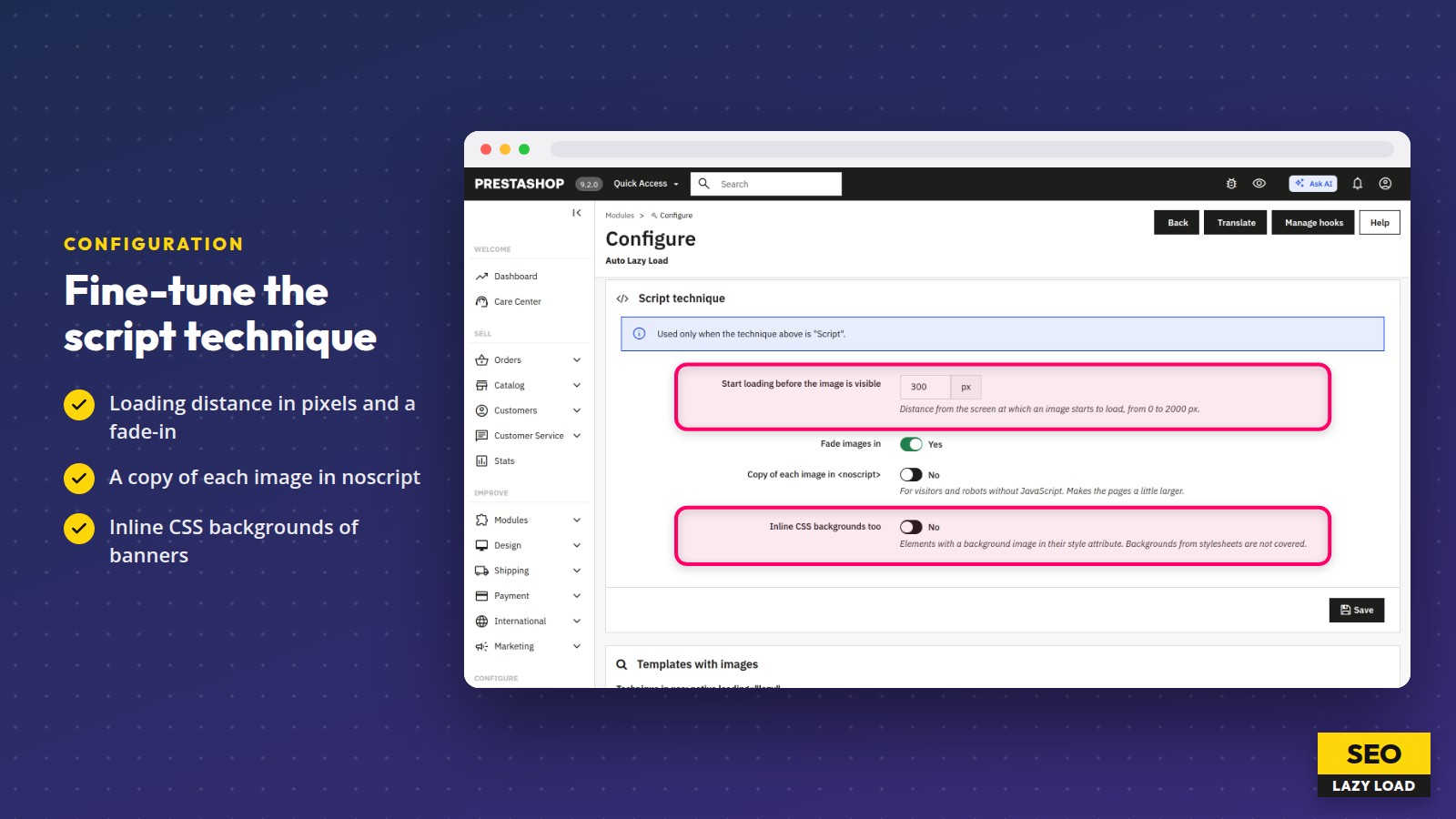
- Script technique: loading distance in pixels, fade-in, a copy in noscript and inline CSS backgrounds
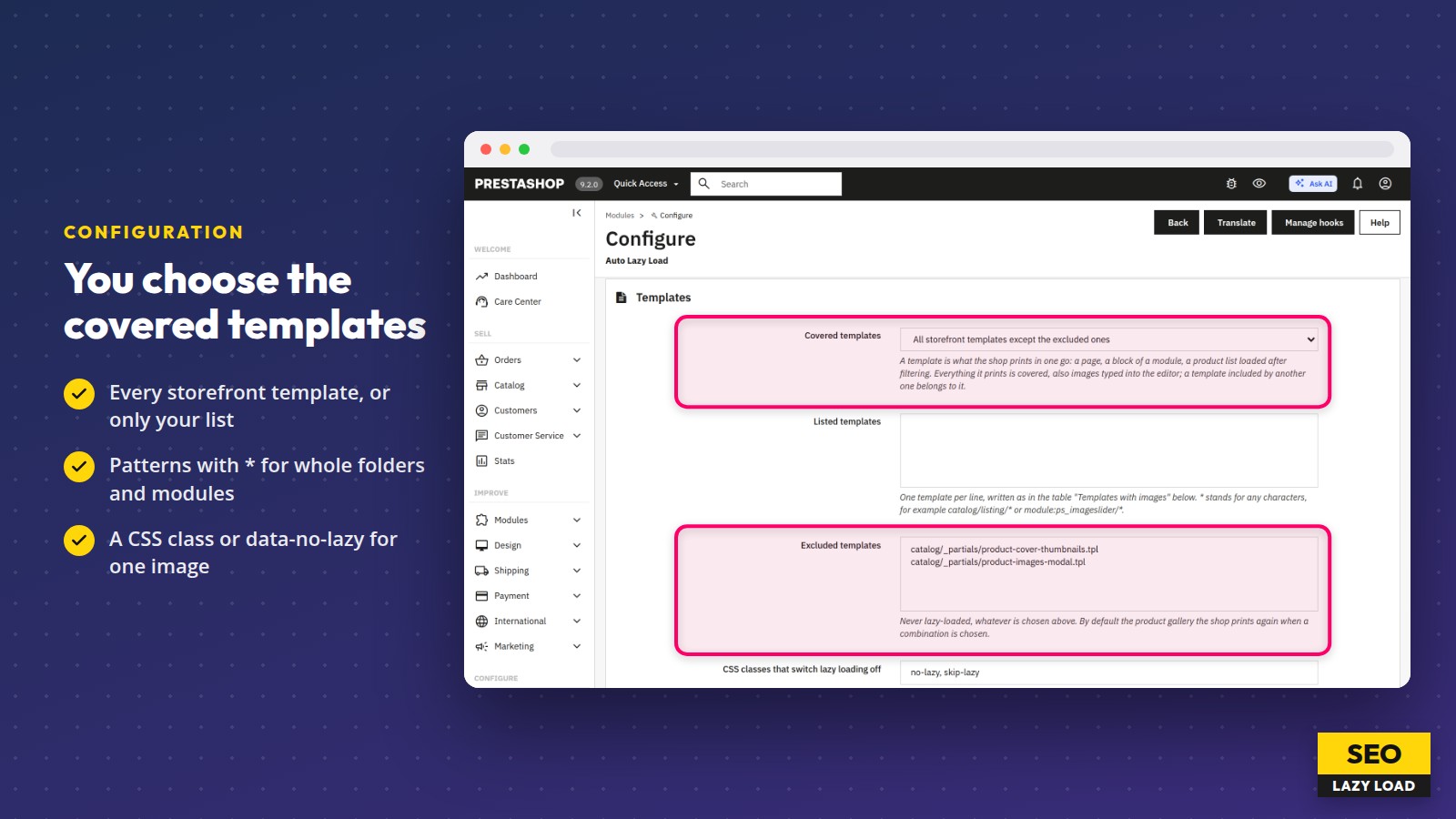
- Covered templates chosen by you: all except the excluded ones, or only the listed ones, with * patterns
- One image switched off with a CSS class or the attribute data-no-lazy
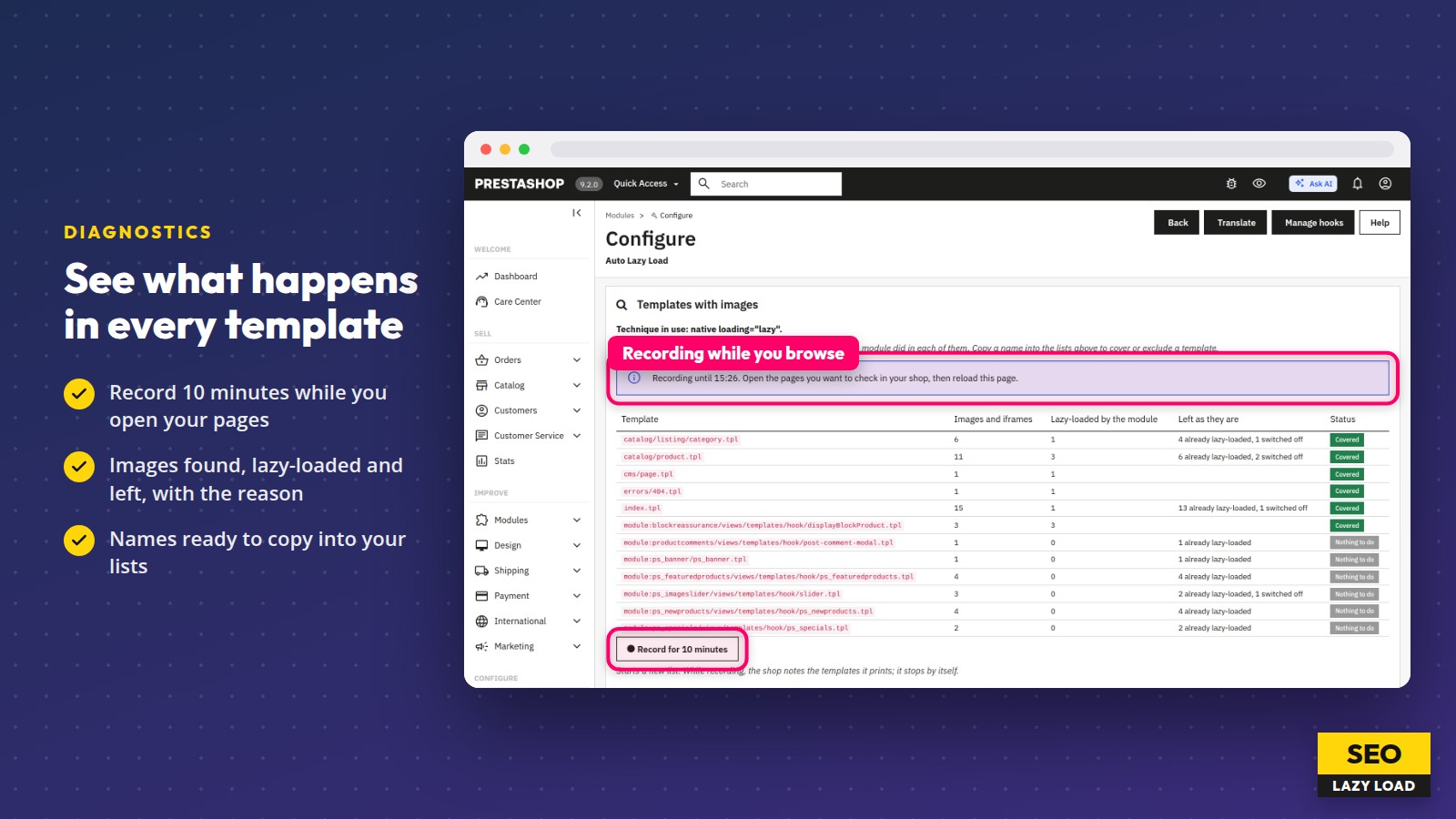
- A table of the templates your shop prints, recorded for 10 minutes: how many images the module lazy-loads, how many it leaves and why
- No file of the theme or modules is edited; disabling the module brings the original pages back at once
- No cache clearing after a change; e-mails, PDF invoices and the Back Office are never touched
- Separate settings for each shop of a multistore; hook and JavaScript API for developers
Specifications
-
PrestaShop versions1.7.8, 8.x, 9.x
-
Minimum PHP version7.2.5
-
Module version1.0.0
-
Latest release11/11/2026
-
Languagesen, fr, pl

Related articles

PrestaShop lazy loading: faster pages and a better LCP, done right
PrestaShop lazy loading can halve the image data of a page. See the data, the effect on LCP and SEO, and why covering a whole store is hard.
Comments (0)
No customer reviews for the moment.