

Content Blocks images
Content Blocks
Price:
Free
- New
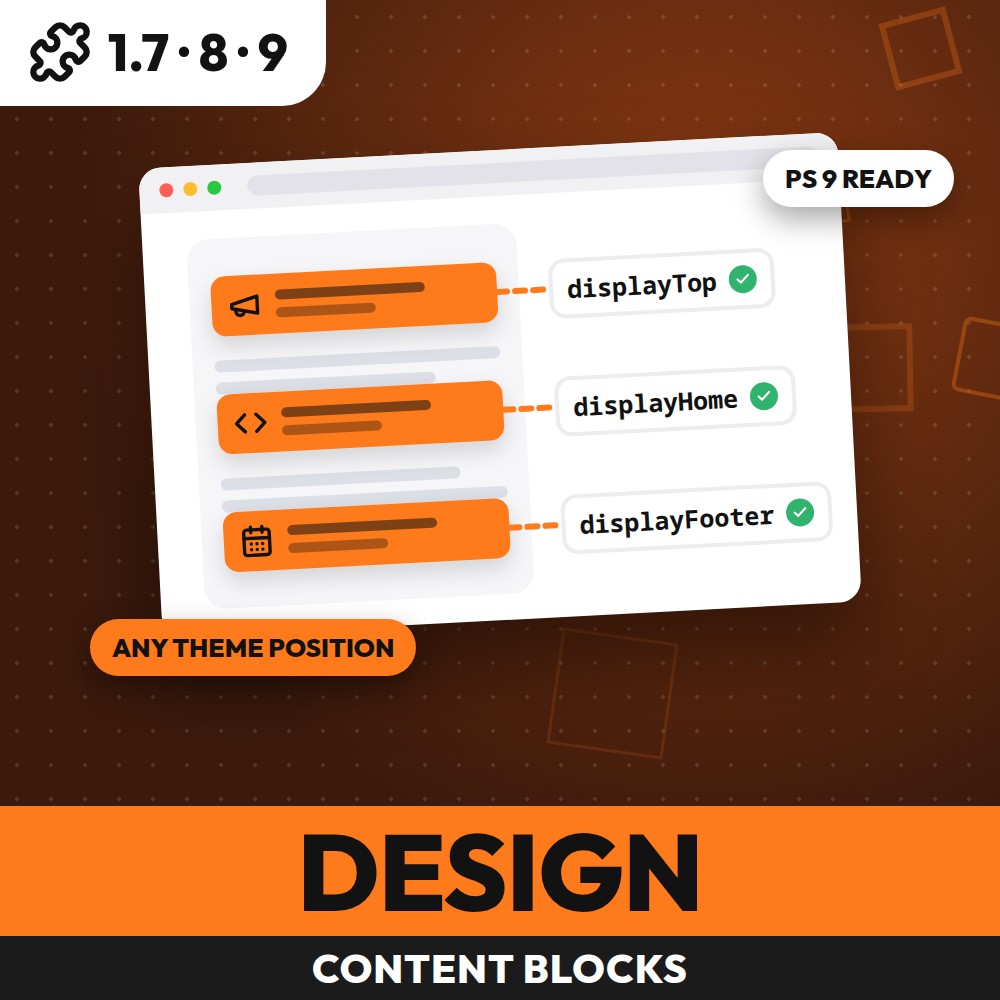
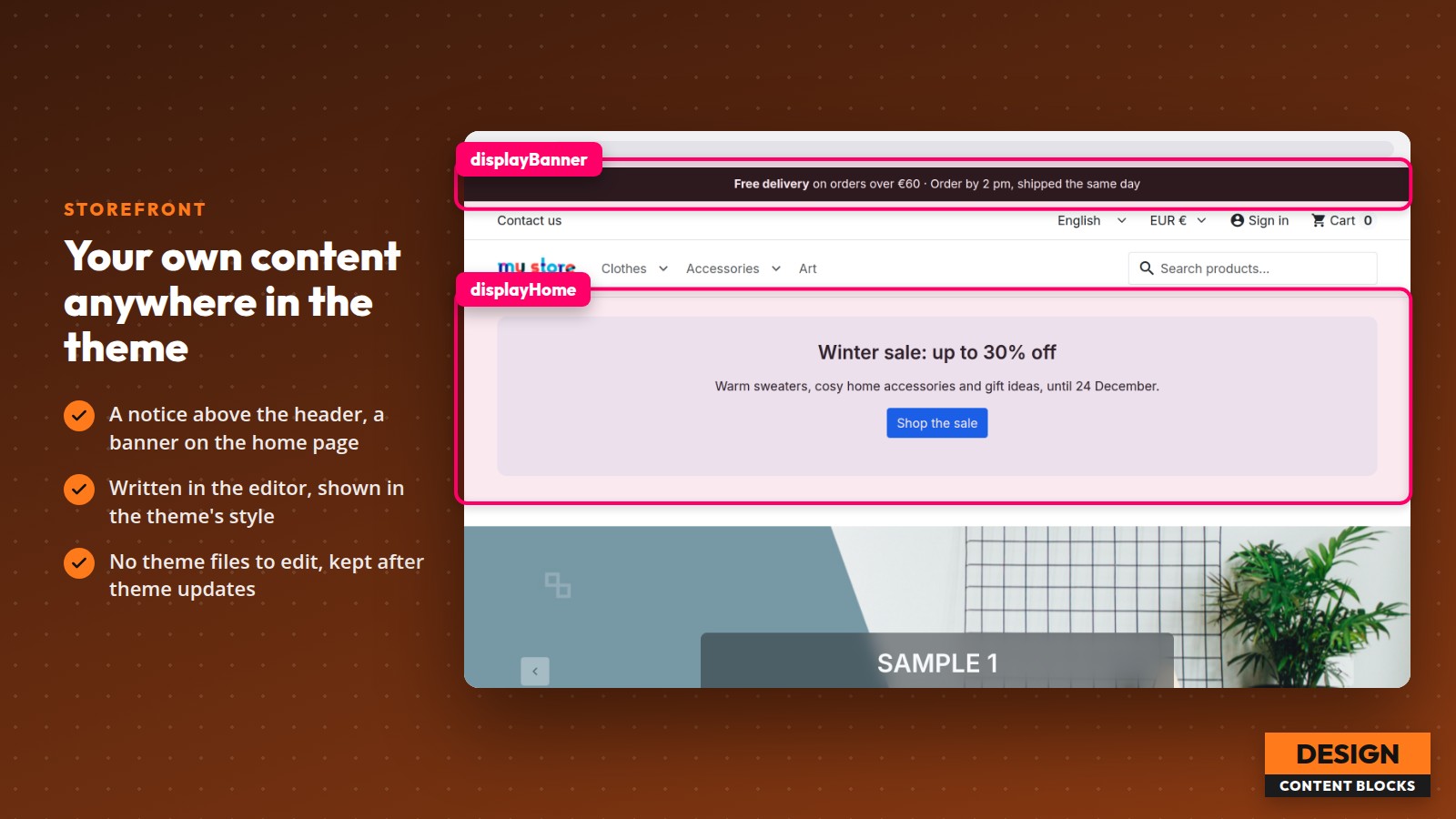
Content Blocks adds your own HTML blocks to any position of your PrestaShop shop's theme — a banner above the footer, a notice in the header, a video on the home page, a text under the add-to-cart button — without editing the theme, so a theme update never wipes them. Each custom HTML block has its own content in every language, a display hook, optional start and end dates, page types and customer groups.
Content Blocks features
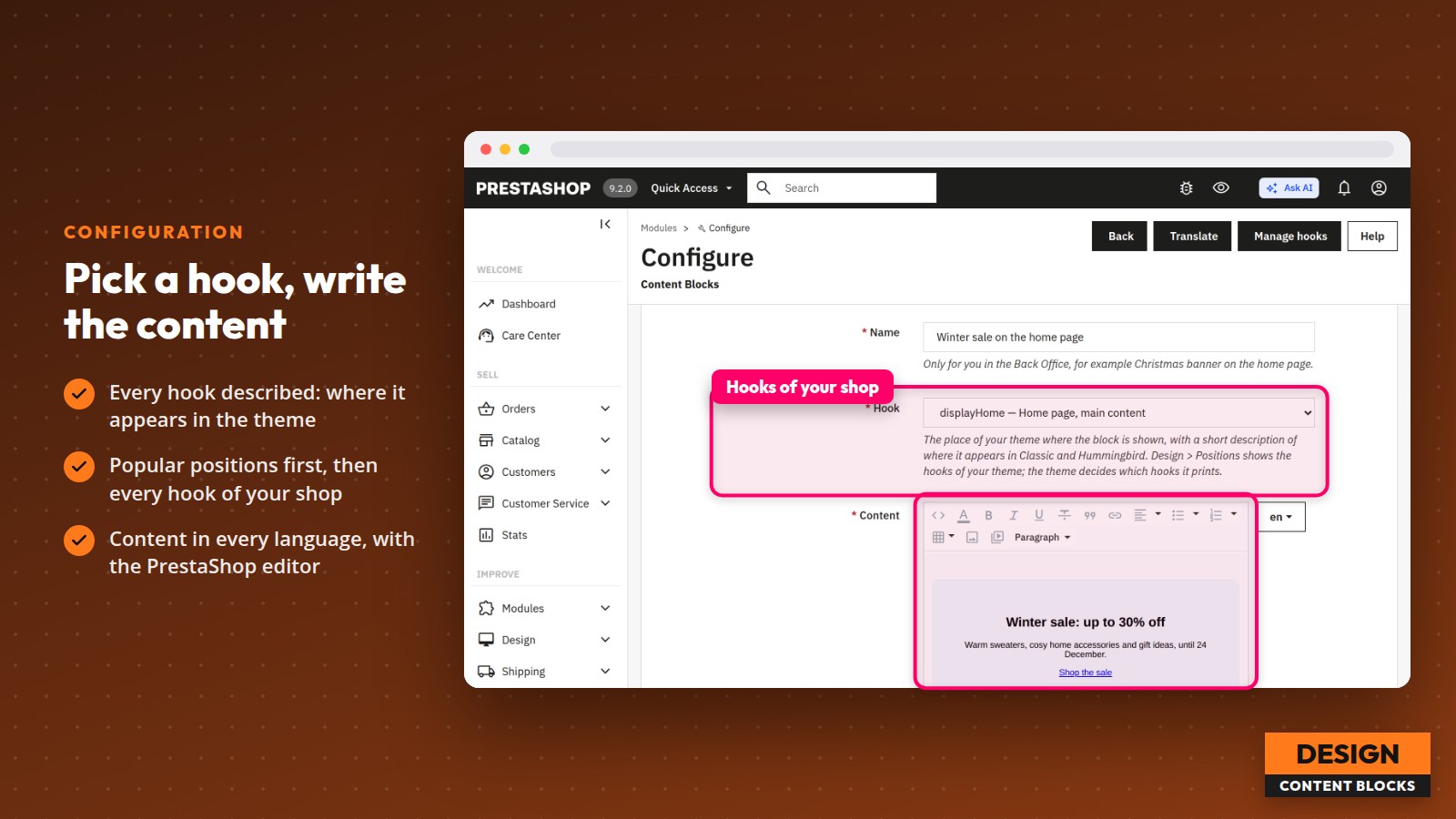
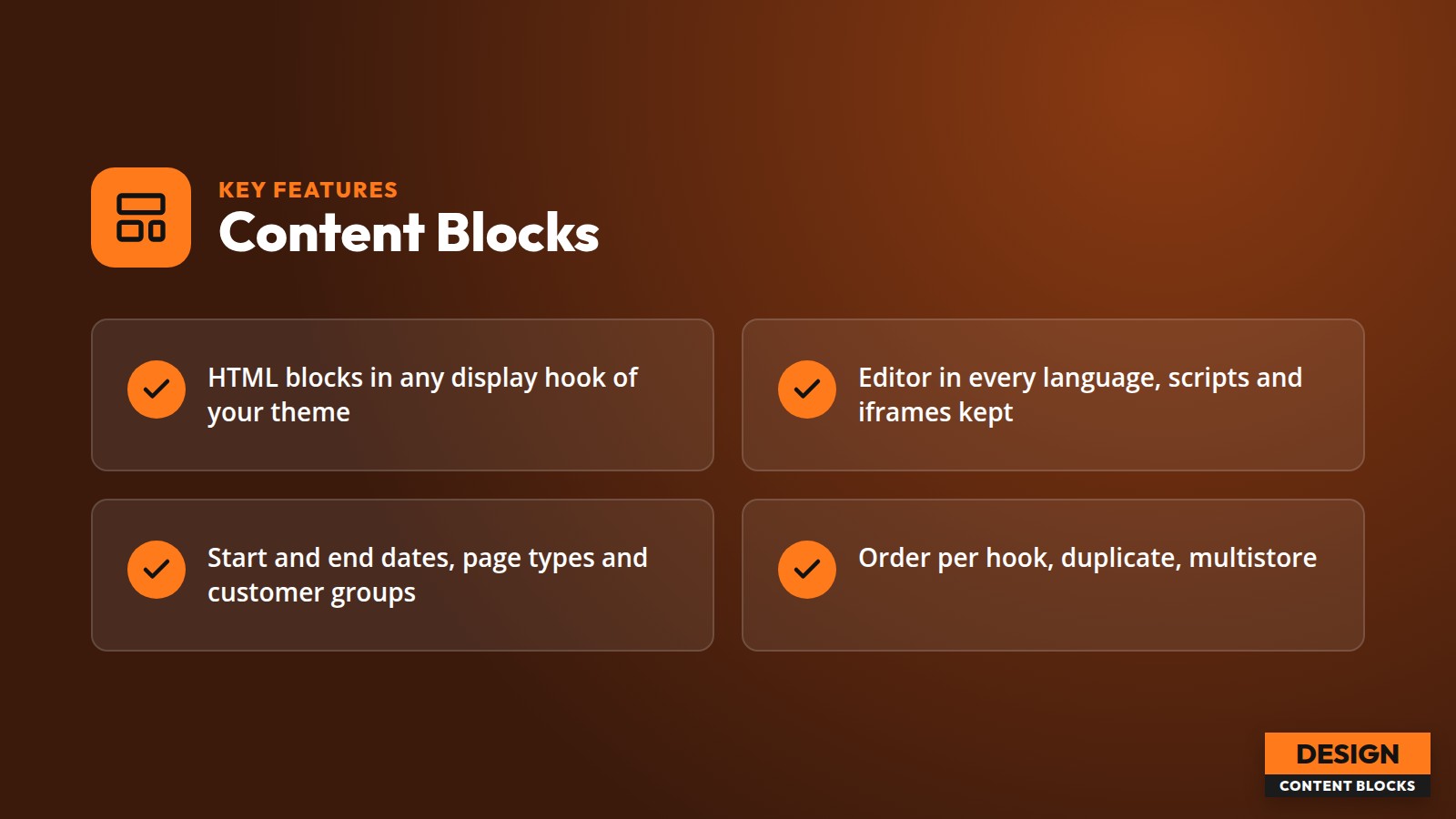
- Any number of content blocks, each in one display hook of your theme
- Hook list read from your shop, each hook with a short description of where it appears, popular theme positions first
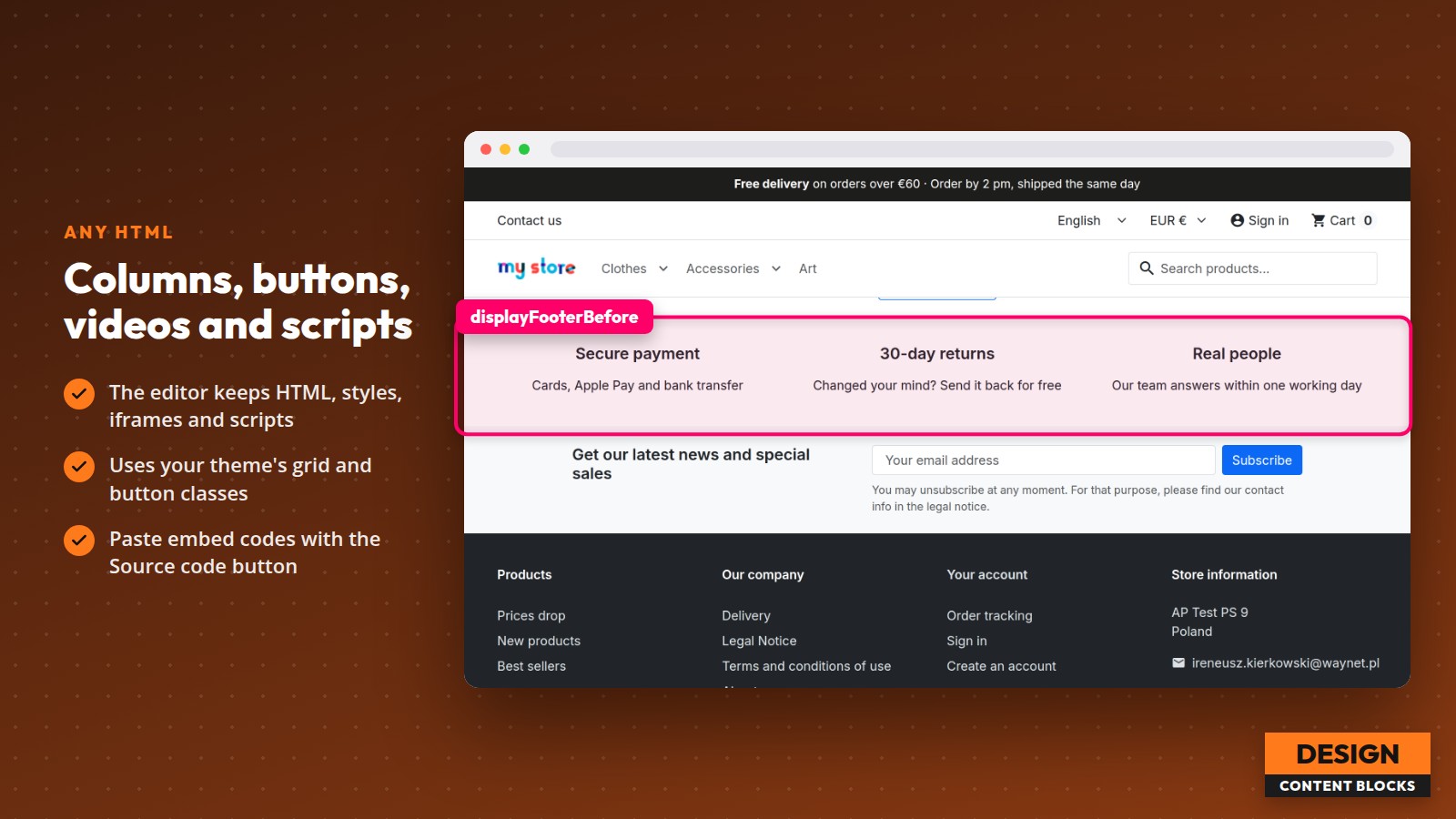
- Content in every language with the PrestaShop editor; scripts, styles, iframes and embed codes are kept
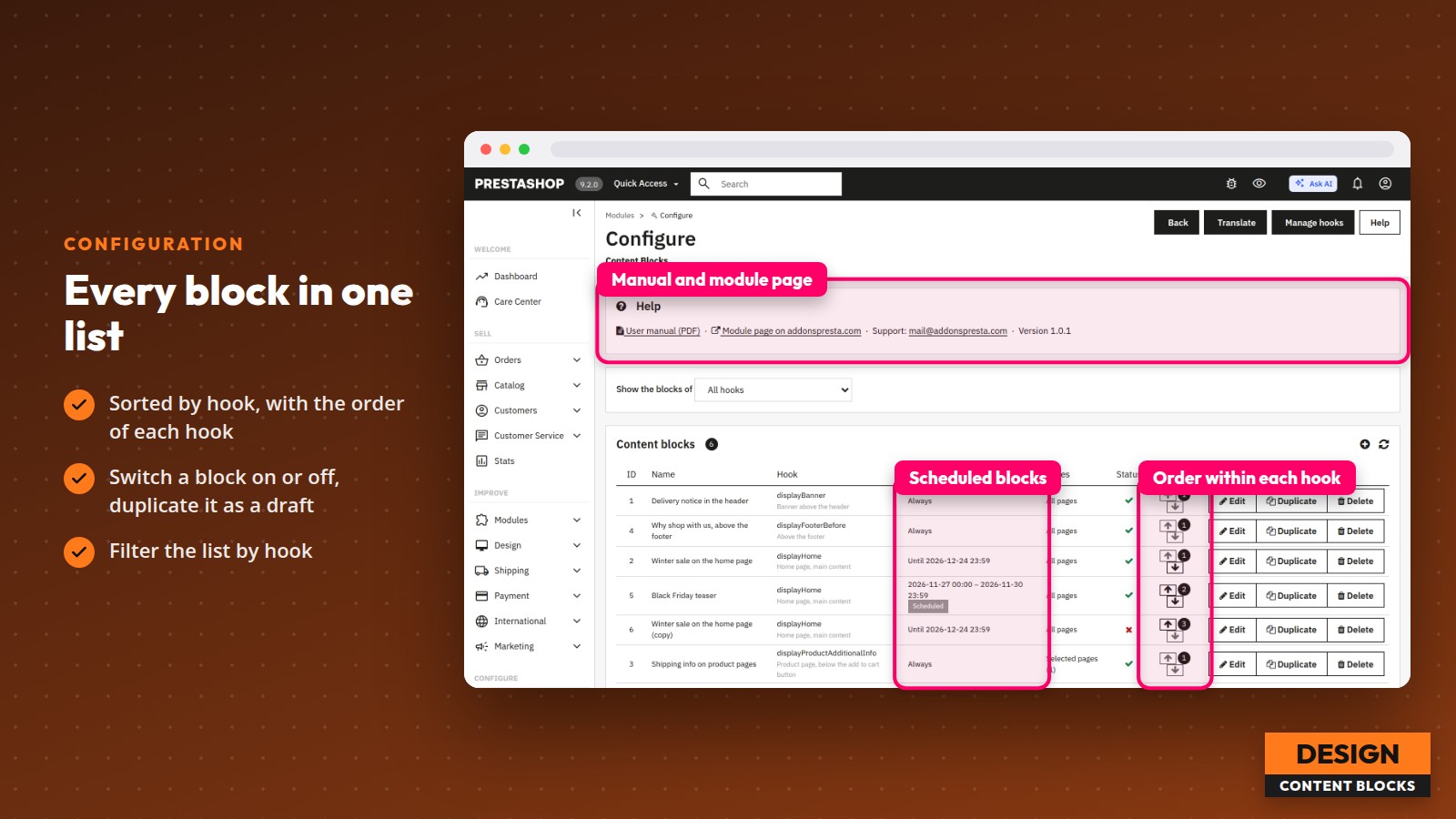
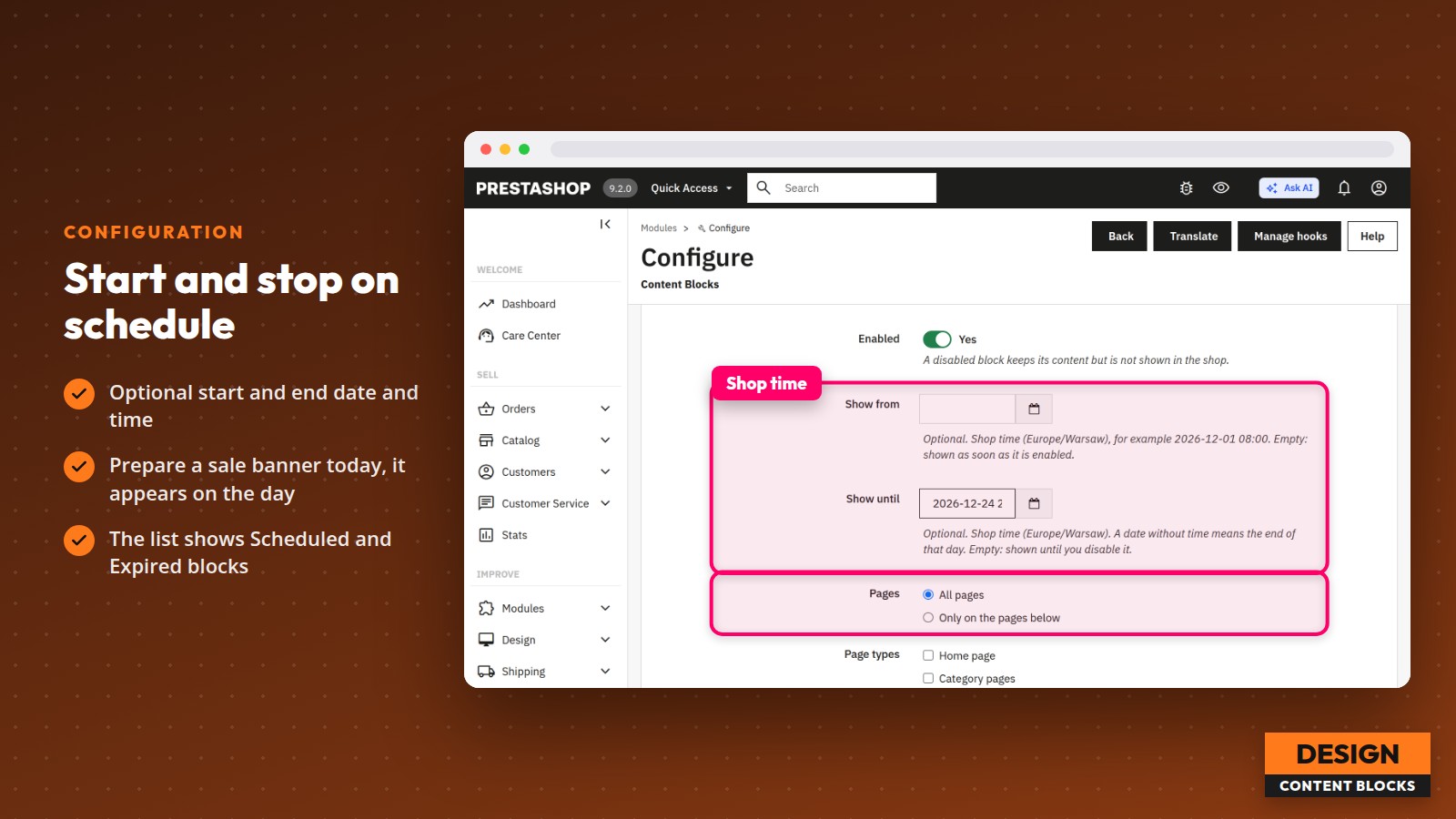
- Start and end date and time in the shop's time zone, with Scheduled and Expired labels in the list
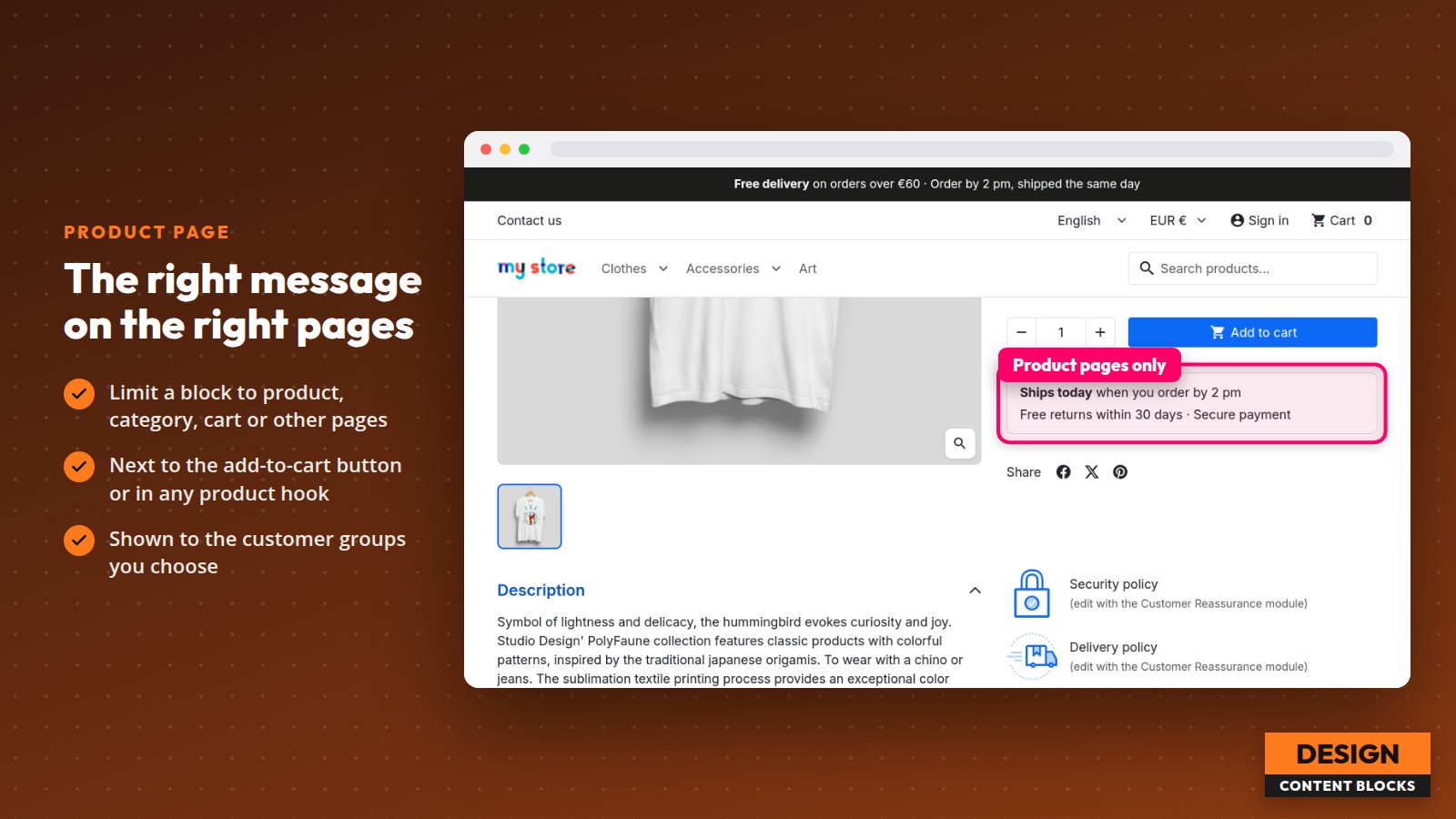
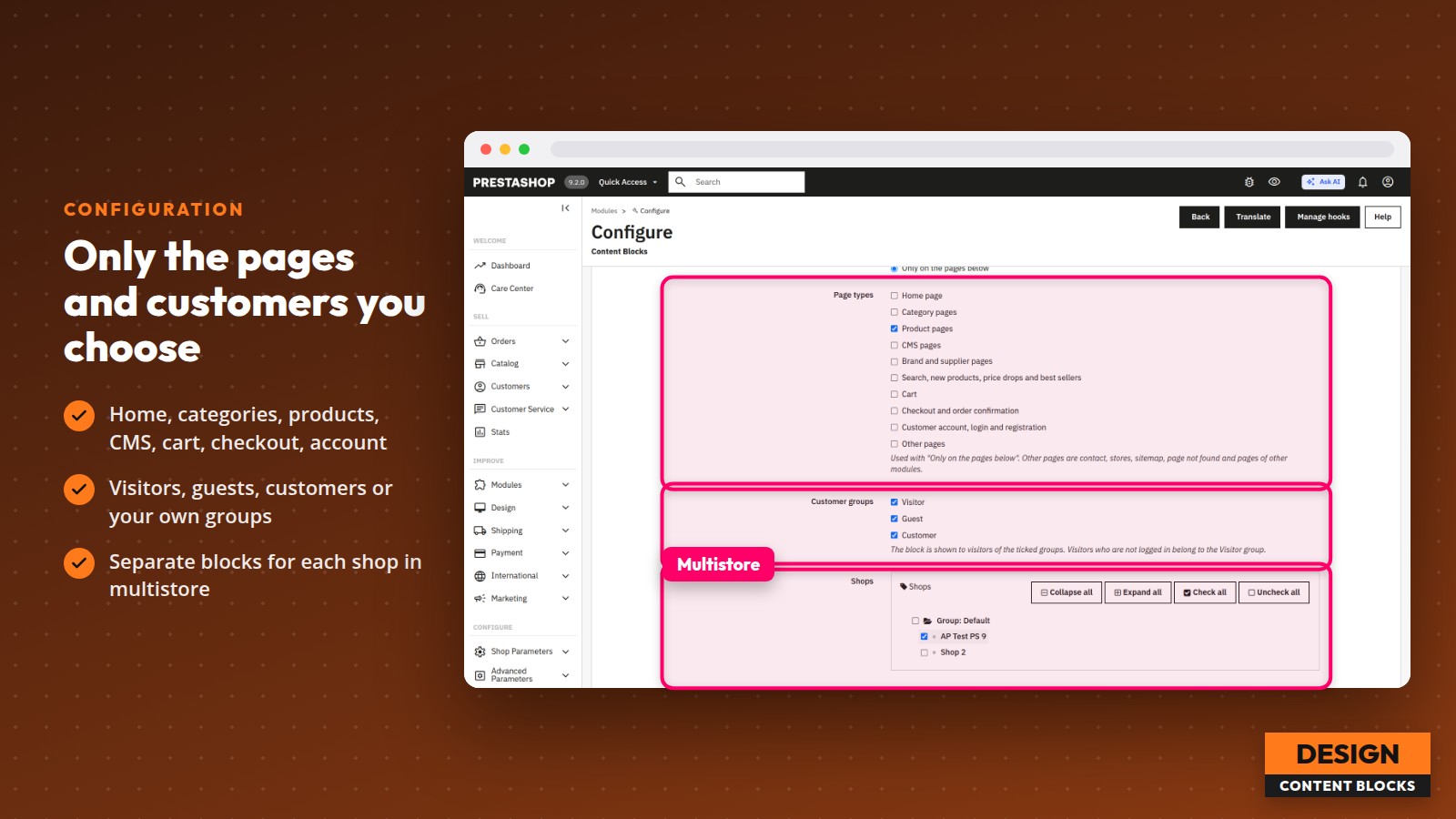
- All pages or only chosen page types: home, categories, products, CMS, brands, search and lists, cart, checkout, customer account
- Visibility per customer group, for visitors, guests and customers
- Order of blocks within each hook, switch on and off without losing the content, duplicate and delete
- Hook filter on the block list
- {widget} tag to place a block or the blocks of a hook in any template
- Separate blocks for each shop in multistore
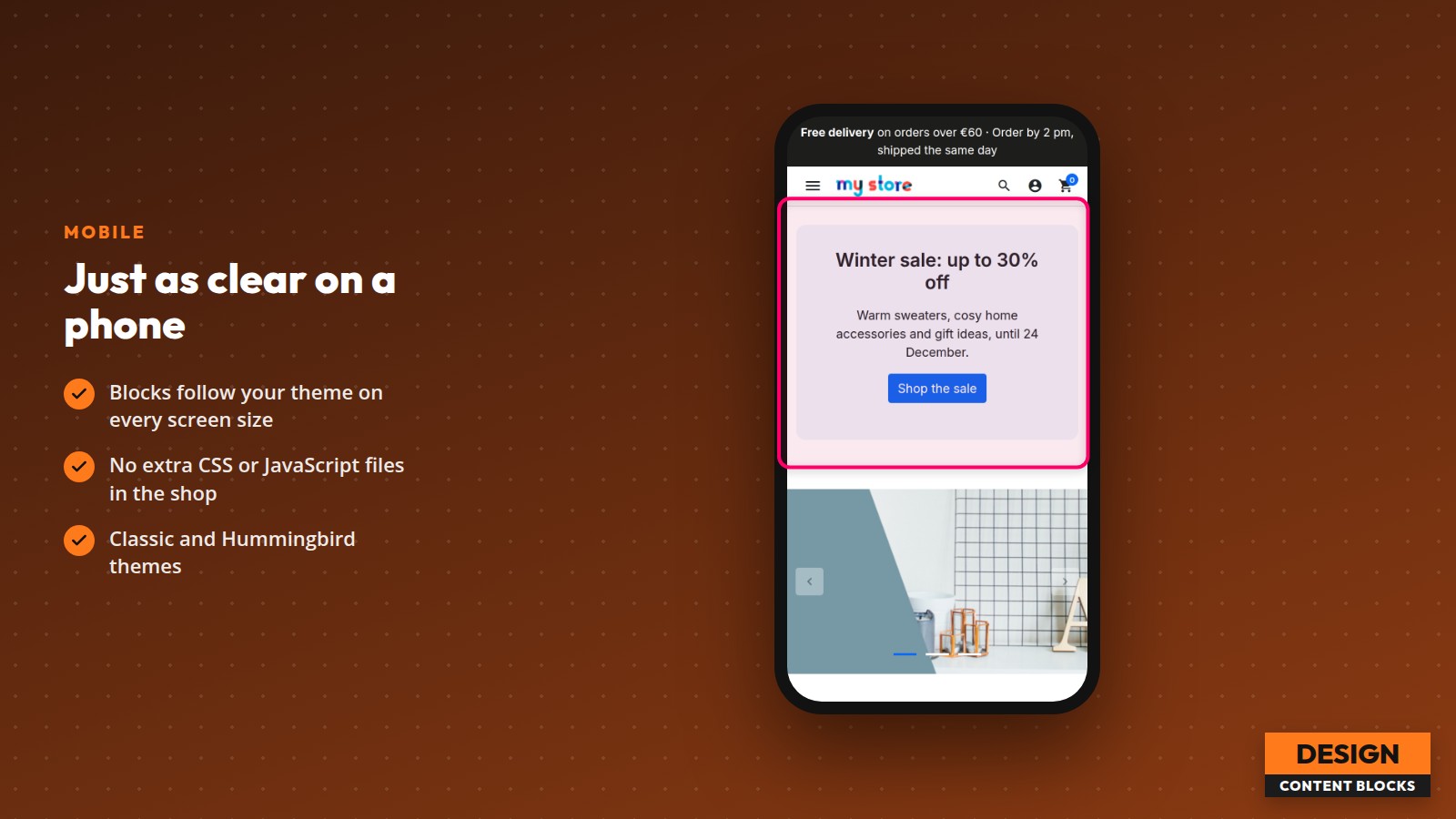
- No styles or scripts of its own in the storefront: blocks take your theme's look
Specifications
-
PrestaShop versions1.7.8, 8.x, 9.x
-
Minimum PHP version7.2.5
-
Module version1.0.1
-
Latest release11/11/2026
-
Languagesen, fr, pl

Comments (0)
No customer reviews for the moment.